
Copilot for Business
Achieve productivity, boost creativity and work smarter with Copilot for Business, led by a Microsoft Copilot specialist.
What is Microsoft Copilot for business
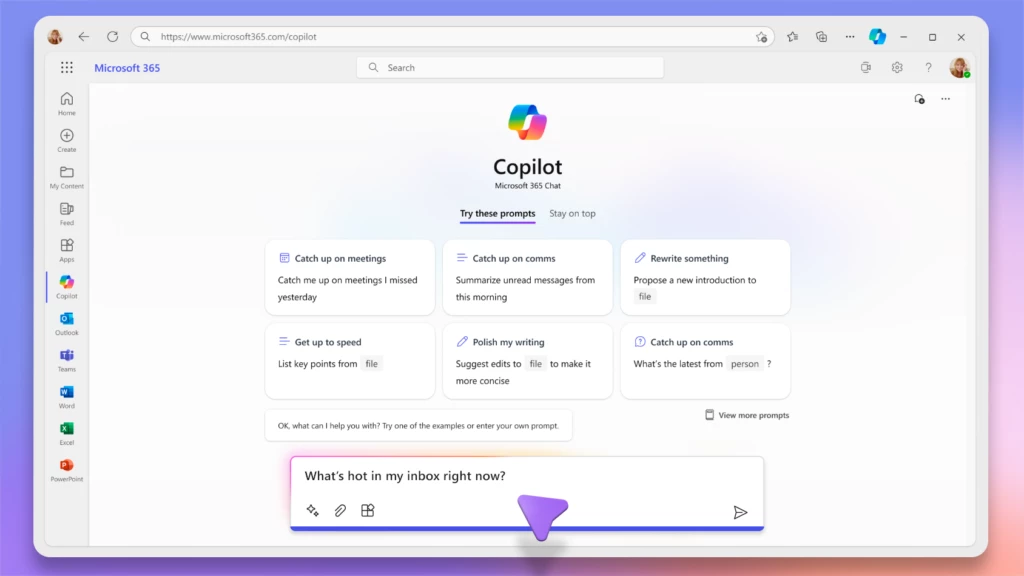
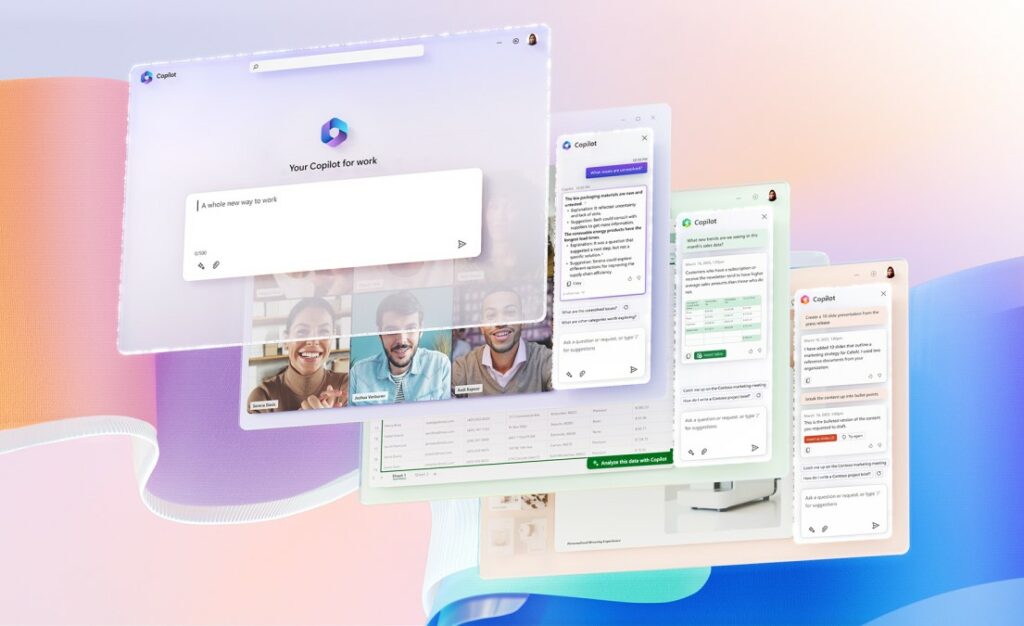
Copilot for Business is Microsoft's virtual assistant that helps work more efficiently thanks to artificial intelligence. It integrates with other Microsoft solutions, such as Teams, Word, Excel, Outlook, and PowerPoint. In addition, having a Microsoft Copilot specialist facilitates its integration and daily use within the company.
Discover Copilot
Would you like to see Copilot in action?
Discover everything you can achieve with Copilot
How Copilot for Business scales your business
Common issue: waste of time writing, reviewing, and replying in Word, Outlook, and Teams. .
With Copilot:
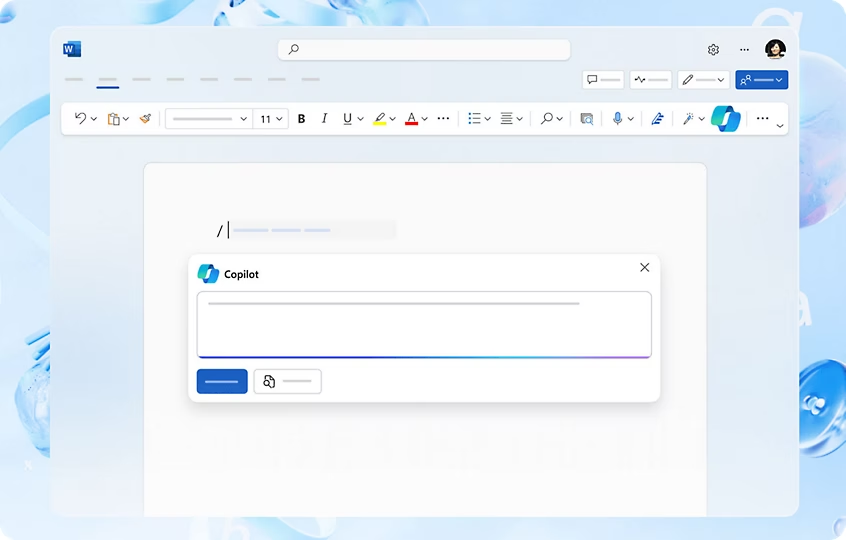
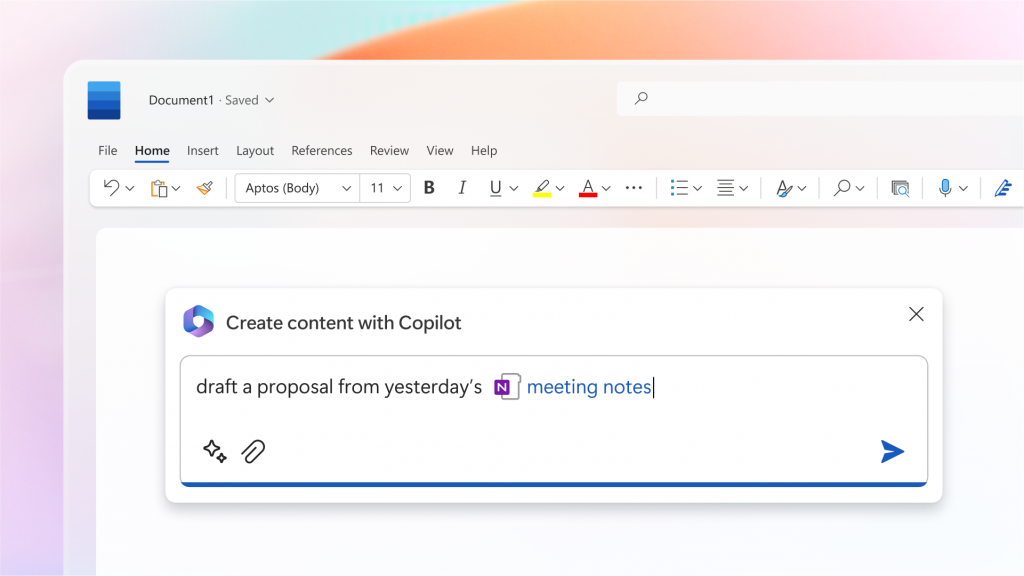
- Draft complete documents from a briefing or email.
- Summarize long email threads and Teams meetings.
- Generate professional responses in seconds, tailored to context and tone.
Impact: less time writing, more time deciding.
Common issue: long meetings and minutes that nobody reads.
With Copilot:
- Automatically summarize meetings (decisions, tasks, and owners).
- Answer questions like “What was decided about the budget?” without reviewing the recording.
- Extracts pending actions and converts them into tasks.
Impact: shorter meetings and real follow-up.
Common issue: Data exists, but it is not analyzed.
With Copilot:
- Analyze Excel sheets in natural language.
- Detect trends, deviations, and anomalies.
- Generate charts and insights without complex formulas.
Impact: data-driven decisions, not intuition
Common issue: information scattered across emails, documents, and chats.
With Copilot:
- Find key information by asking in natural language.
- Cross-references data from Outlook, OneDrive, SharePoint, and Teams.
- Respond with context and references to the origin.
Impact: less time searching, more time executing.
Common issue: Creating presentations takes hours.
With Copilot:
- Generate complete presentations from documents or ideas.
- Summarize long reports into executive slides.
- Tailor the content to the audience (management, sales, technical).
Impact: Presentations ready in minutes, not days.
Common issue: Task overload and lack of priority.
With Copilot:
- Summarize your day, important emails, and pending tasks.
- Prioritize tasks based on context and urgency.
- It helps you prepare for the day or wrap up the week.
Impact: less noise, more focus.
Why choose us as Microsoft Copilot specialists?
In At Goom Spain we are an official Microsoft Partner with over a decade of experience digitizing businesses. We don't just activate Copilot: we analyze your processes, configure it with the security your company needs, and train your team so that AI translates into real results.
Benefits of Microsoft Copilot for your business
Microsoft Copilot for business enables working more agilely, connectedly, and intelligently, boosting productivity and decision-making.
Global vision
With Copilot, you can connect all your company data from different sources, which allows you to have a global view. In addition, you will be able to access them from any application.
Maximum productivity
Thanks to the integration with Microsoft 365 and Dynamics 365 and process automation, working times are reduced and quality increases.
Adapted for you
You will be able to personalize your services thanks to intelligent conversational chatbots, which offer your customer a unique service and 24/7 multichannel assistance.
Lead the change toward AI
You will have in your organization the AI tool of a company like Microsoft: a leader in Artificial Intelligence investment. Having Generative AI in your business means a competitive advantage in the sector.
Secure implementation of Microsoft Copilot for businesses
Security and data
Microsoft Copilot operates within the Microsoft 365 security environment, respecting the permissions, policies, and access controls already configured in the organization. This means that each user can only access the information they already have permission to view.
Therefore, before activating Copilot for business, it is key to review the environment settings, SharePoint and OneDrive permissions, and potential risks of internal information exposure. As a Microsoft Copilot specialist, Goom accompanies companies in this preliminary phase to ensure a secure, controlled implementation aligned with their needs.
Implementation process
The implementation of Microsoft Copilot requires much more than activating licenses. At Goom, we follow a structured process that includes prior analysis, technical design, configuration, testing, training, and rollout.
This approach makes it possible to adapt Copilot to the actual operations of each company, identify the use cases with the greatest impact, and facilitate progressive adoption by the teams.
Licenses and requirements
Microsoft Copilot for business works as an add-on to certain Microsoft 365 licenses. Therefore, before purchasing it, it is important to check whether the company's current environment meets the necessary requirements.
Goom helps you analyze your situation, choose the most suitable model, and prepare the environment so that Copilot can deliver value from the very first moment, avoiding configuration errors or ineffective adoption.
Integrations with Microsoft Copilot
Microsoft Copilot is integrated into Microsoft 365, Dynamics 365, and Copilot Studio applications to get the most out of your business and take its digital transformation a step further.
Microsoft 365
It integrates with Microsoft 365 applications like Word, Excel, PowerPoint, Outlook, and Teams. It leverages company-specific data to improve productivity and communication.
Microsoft Dynamics 365
AI-powered tools designed for specific business functions and roles, such as Sales, Marketing, Finance, Operations, and Customer Support.
Copilot Studio
Designed to address specific tasks, workflows, or concrete industry requirements.
Discover how to transform your company with Microsoft Copilot
Frequently Asked Questions
Yes. Microsoft Copilot for business works as an add-on to certain Microsoft 365 licenses. Before activating it, it is recommended to review the current environment to confirm if the company meets the necessary requirements and which licensing model is the most appropriate.
The timeframe depends on the size of the company, the state of the Microsoft 365 environment, the number of users, and the use cases you want to enable. At Goom, we follow a structured process that includes prior analysis, configuration, testing, training, and deployment.
Goom supports companies throughout the entire process: initial analysis, environment review, configuration, implementation, training, and support. The goal is to ensure that Copilot is not only activated, but also used securely, usefully, and in alignment with the company's actual processes.
Microsoft Copilot can add value in areas such as management, sales, marketing, finance, human resources, customer service, operations, and administration. Its usefulness depends on internal processes and how its functions are integrated into the daily routine of each team.