SharePoint is a collaboration platform that allows users to discover, store, share content, and manage projects. That is to say, it can fulfill the functions of an extranet and/or intranet for a company.
Furthermore, it is a secure platform that protects access to content through access permissions.
Discover everything you can achieve with SharePoint
Benefits
What SharePoint can do for you
Access and permissions
It allows you to select which people can access certain documents, ensuring control within the company.
Synchronization
With SharePoint, you can synchronize the document manager's libraries with local computer folders.
Classification
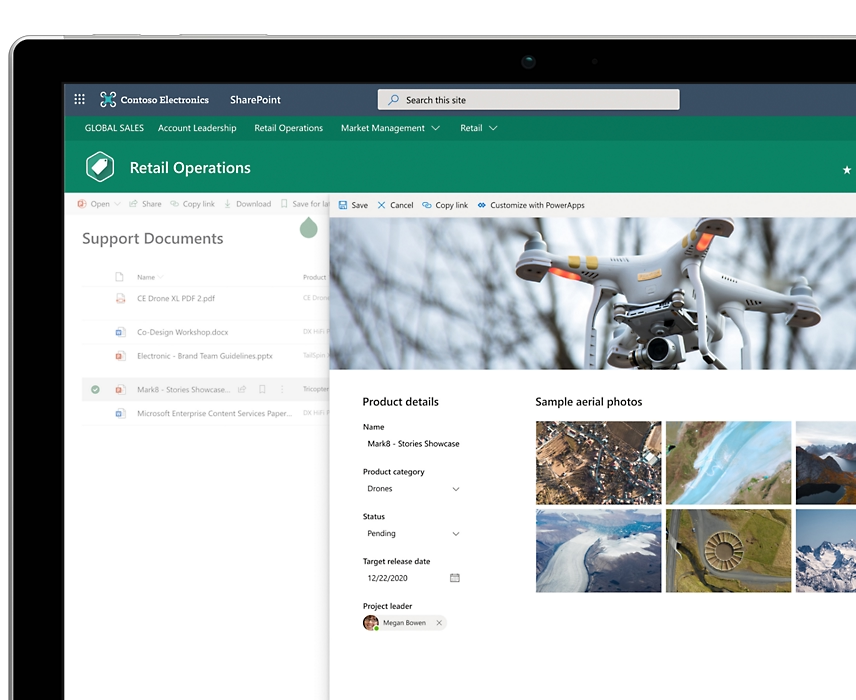
The document manager can be customized for each company. Thus, fields such as number, date, amount, etc., can be added to the invoice repository.
Alerts and workflows
You can set alerts so that a user is notified as soon as a document is modified. In addition, with approval workflows, a higher level of control over documentation can be achieved.
Shared editing and locking
This document management solution allows for the shared editing of documents Microsoft 365 (Word, Excel, PowerPoint, and OneNote). In addition, it is possible to lock a document and prevent anyone else from editing it.
Versions and history
It keeps track of all changes made to the documents. Users can see who modified what and when, as well as retrieve older versions.
Main features of the functionality of SharePoint
Get the most out of your projects
Customizable groups
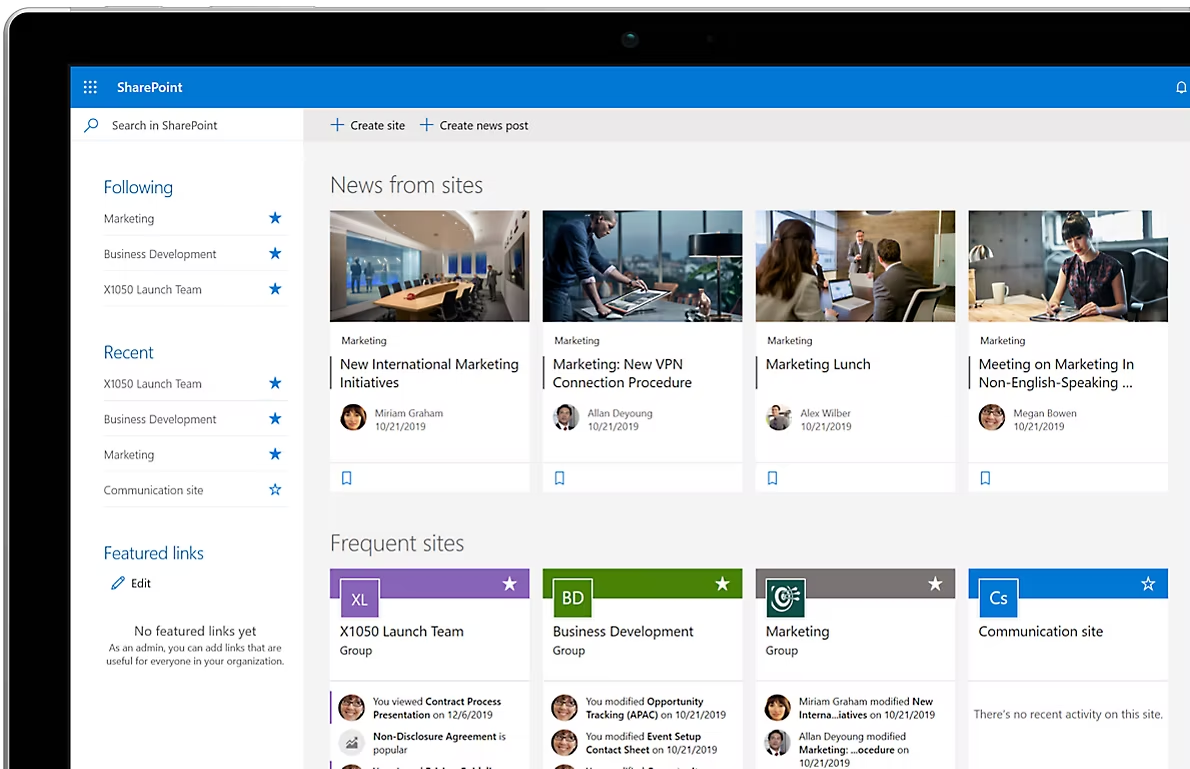
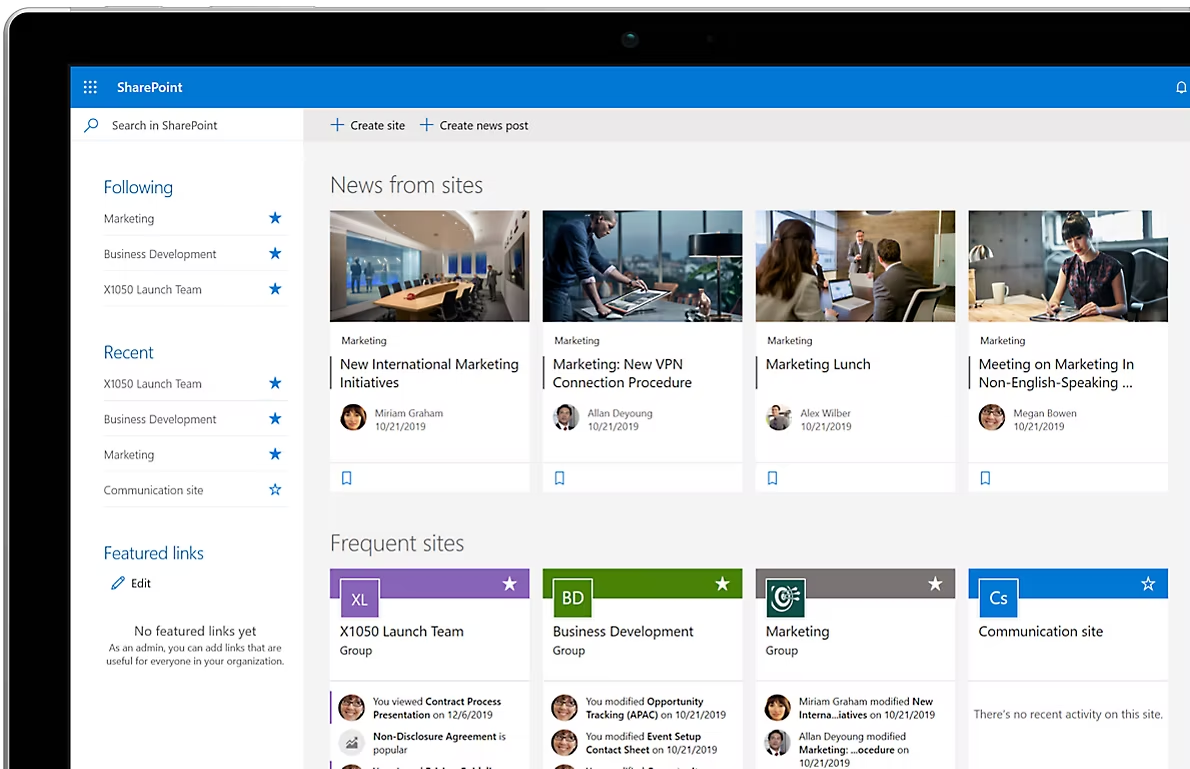
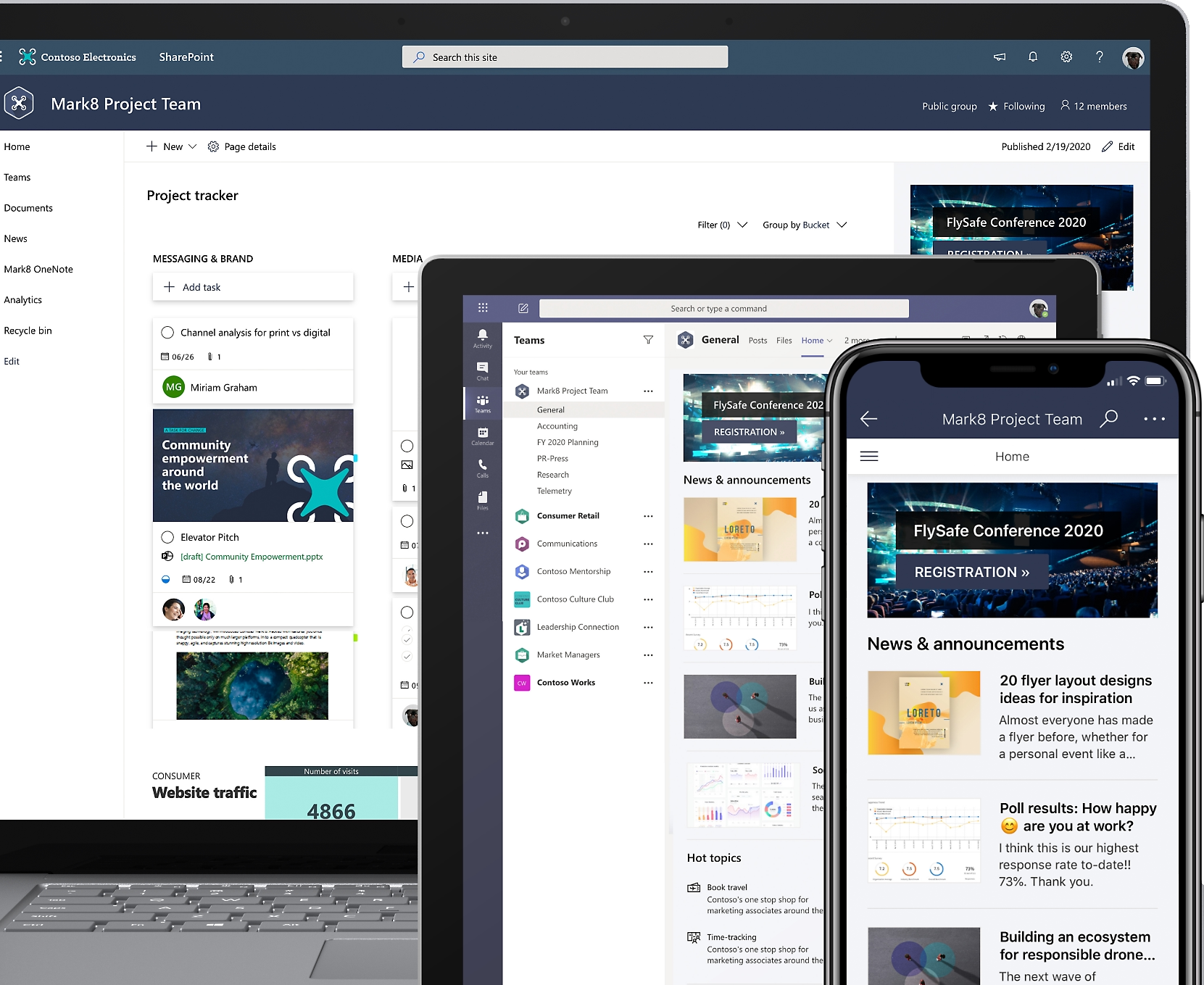
Boost teamwork with dynamic, productive team sites for every project team, department, and division.
Customize
Share files, data, news, and resources, and customize your site to simplify teamwork.
With any device
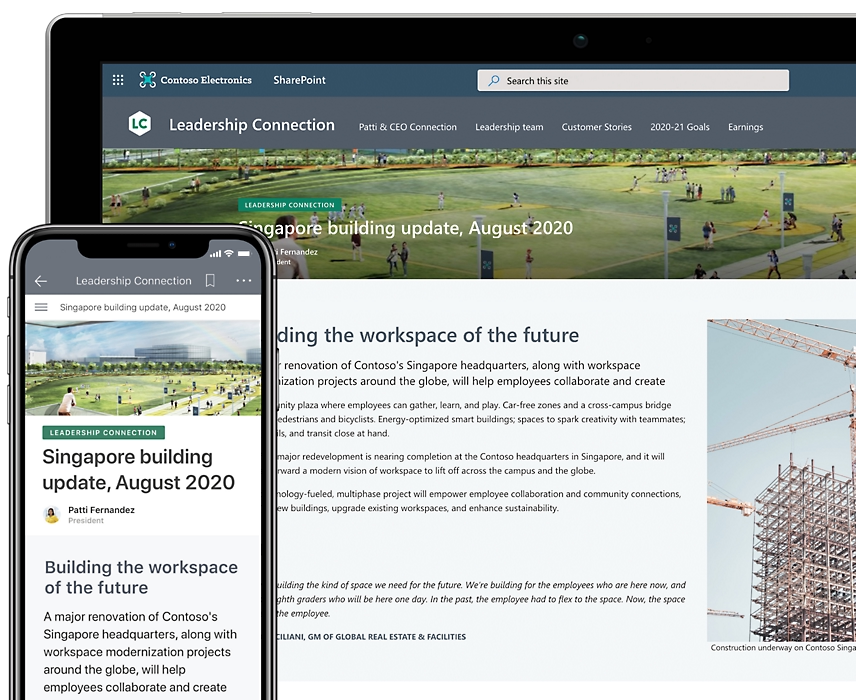
Collaborate effortlessly and securely from PC or Mac computers or on mobile devices with team members who are part of the company or external to it.
Connect the customer with the company
Improve efficiency
Share common resources and applications across major sites and improve organizational efficiency.
Stay up to date
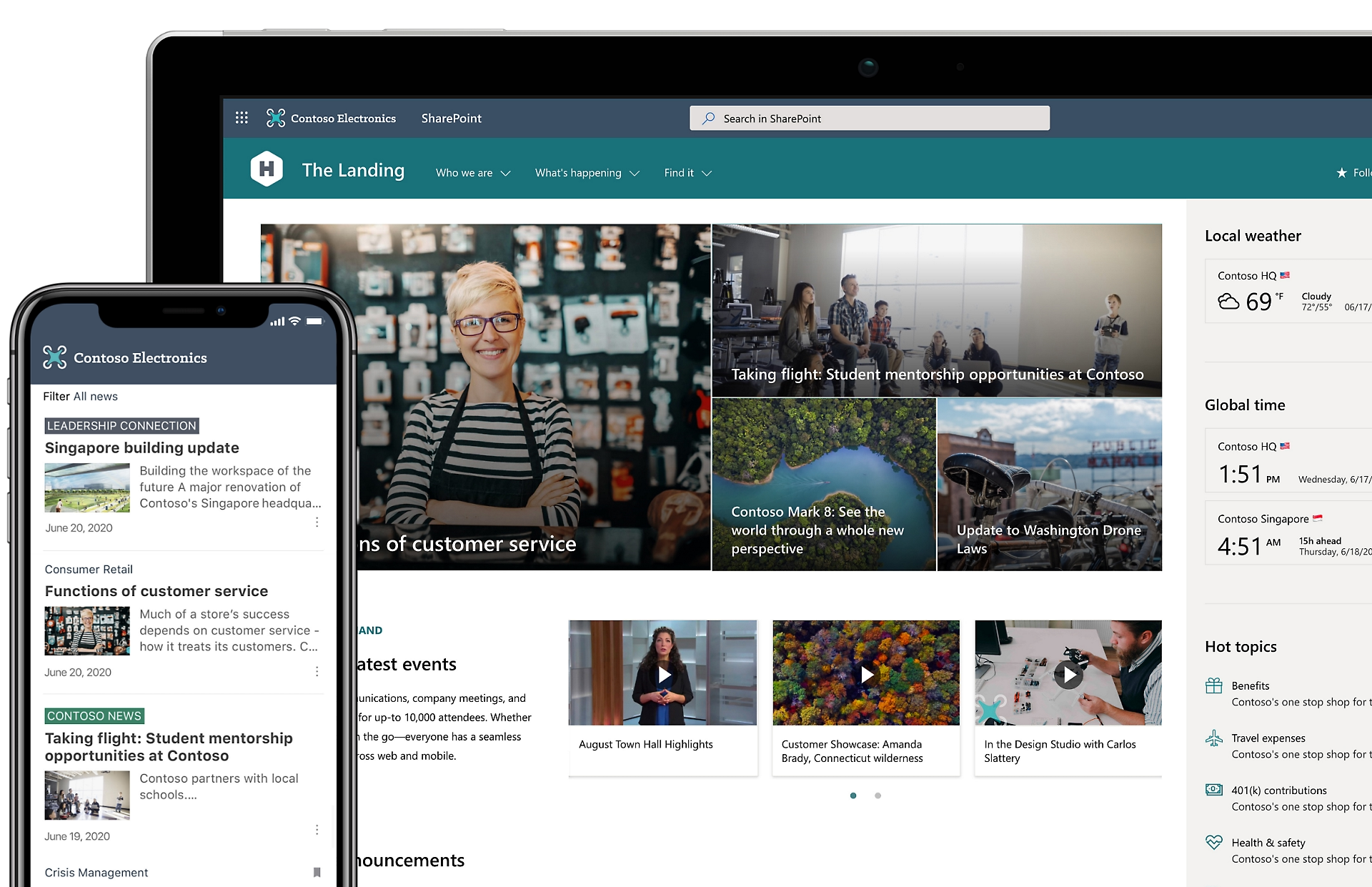
Learn about the personalized news shown on the SharePoint web and mobile apps.
Share your knowledge with the company
In a single click
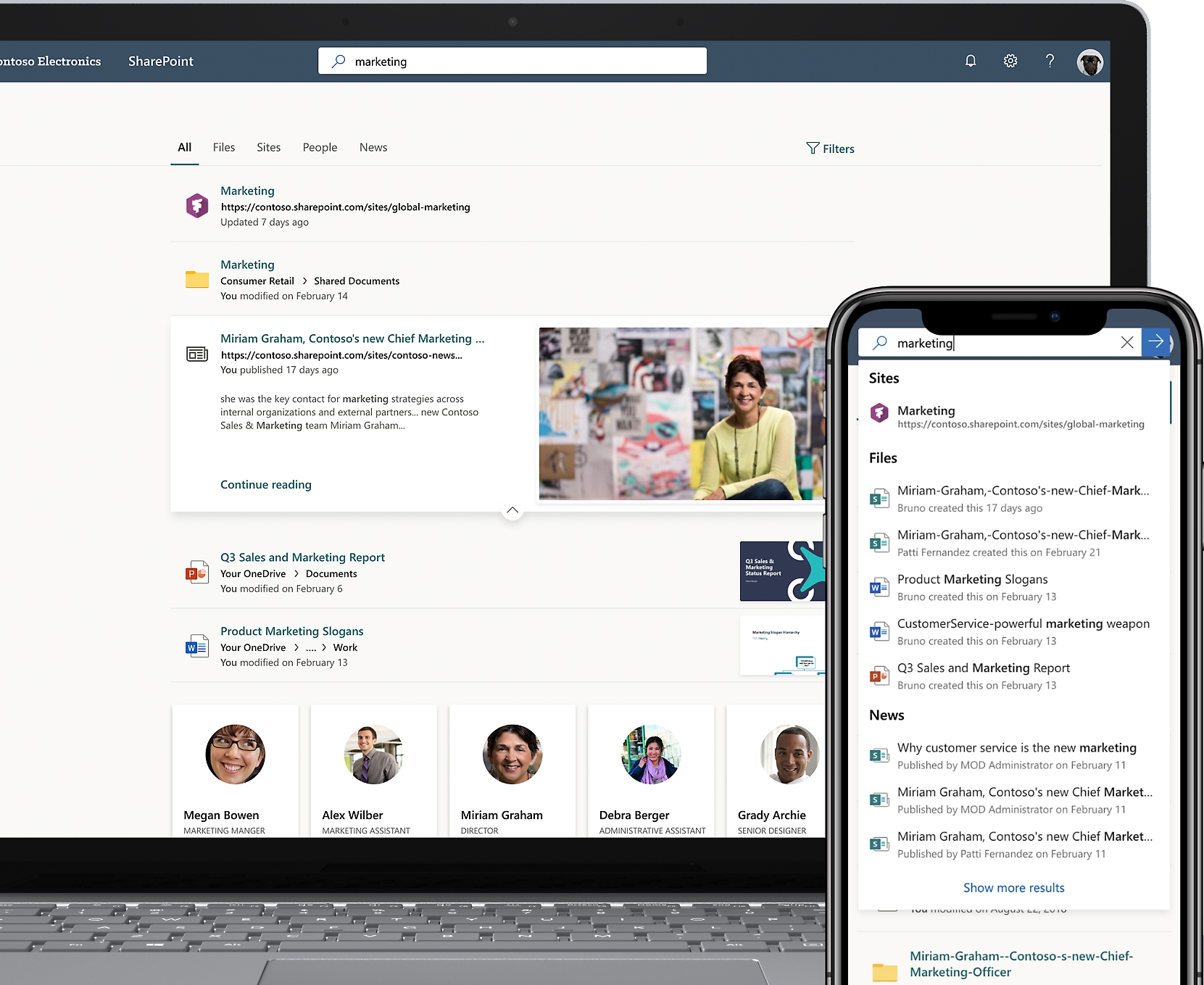
Find what you are looking for in a single click thanks to the search function.
Maximize knowledge sharing
Together with Microsoft Viva Engage, it allows your company to maximize the speed of knowledge sharing.
Integrations
SharePoint It integrates with various apps, thereby sharing company information with other departments. Some of these tools are:
Microsoft Teams
Open, edit, and share documents stored directly from Teams.
Microsoft Outlook
Integrate SharePoint calendars into Outlook for a unified view of events and tasks.
Microsoft 365
Co-author Word, Excel, and PowerPoint documents stored in SharePoint.
Copilot
SharePoint already incorporates some Artificial Intelligence capabilities with Microsoft Copilot.