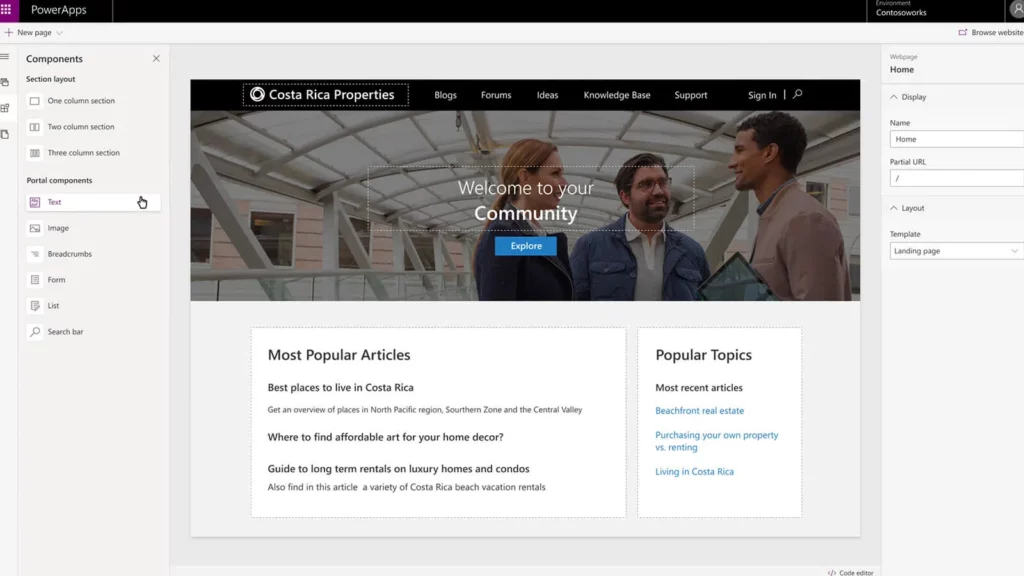
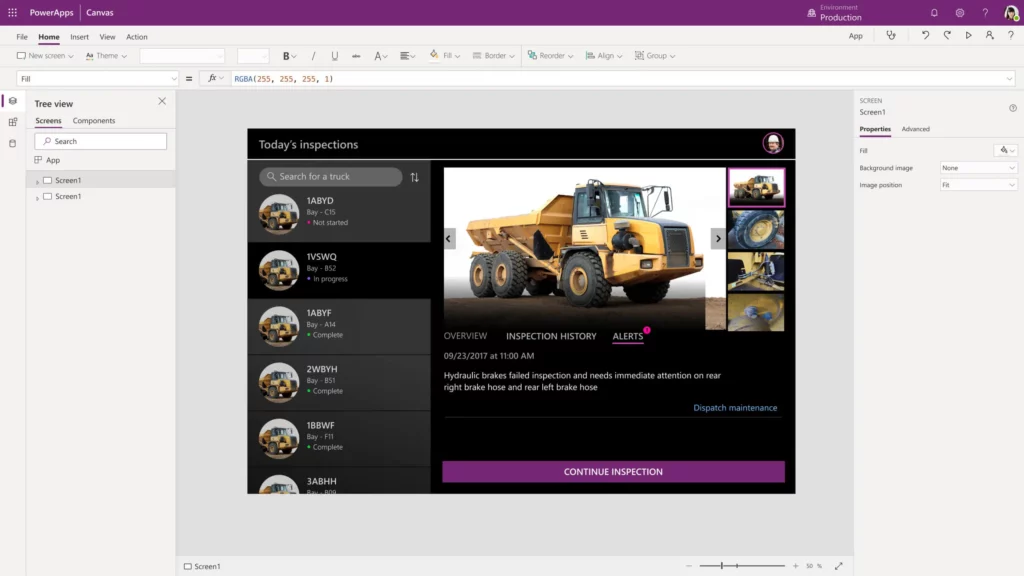
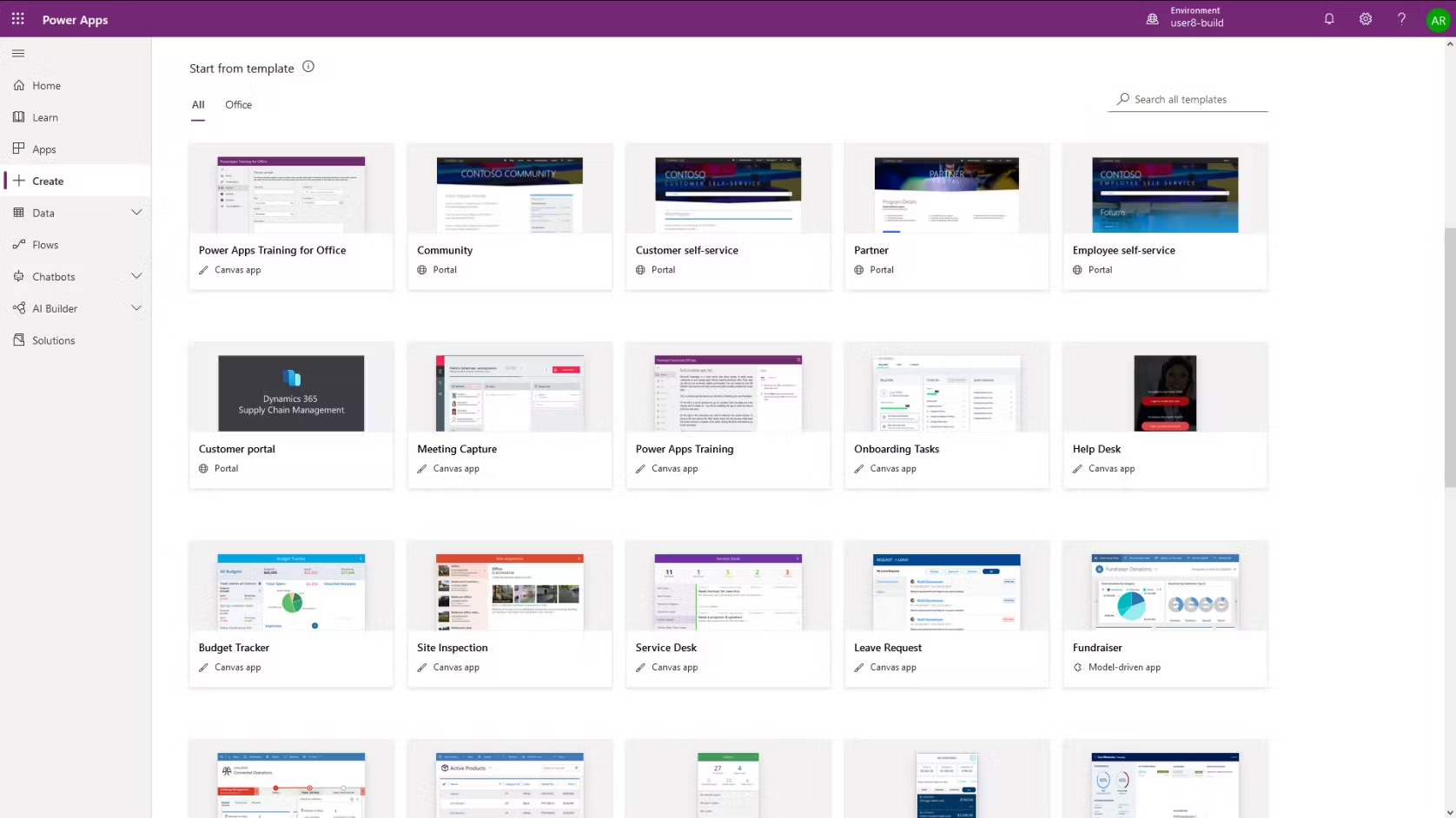
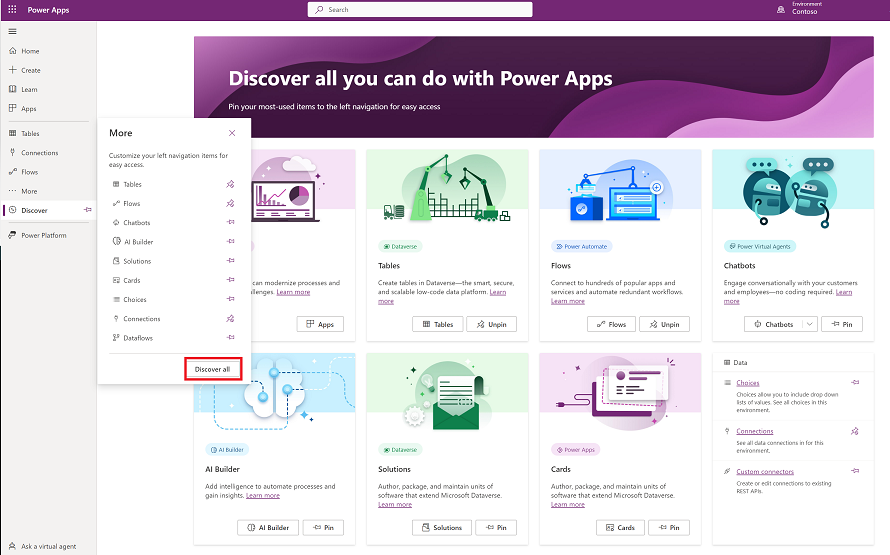
PowerApps they are a set of Microsoft tools that allow you to create and share custom applications and manage an organization's data through the execution of these applications.
Now with AI, you will be able to easily create applications and automate your company's processes.
With Power Apps, you will be able to create your own custom applications tailored to your needs.
Power Apps lets you easily and efficiently view and control all your company's applications using just one system to manage them.
Create with confidence
Use Power Platform deployment tools to make application management easier and more centralized.
Transform the code
Use advanced governance tools to configure and manage environments, enabling anyone to create solutions without introducing risks for IT.
So that it is accessible to everyone
Improve the application's functionality
Create an application for any device and design a personalized user experience and improve it for specific roles.
Use the code whenever you need it
You can view the code behind apps (YAML format) directly in Power Apps. You can also create packages that allow you to use low-code concepts with common development patterns.
Use low-code language
You can use Microsoft Power Fx, an easy-to-use programming language designed so you don't need to write a lot of code. It is a versatile and secure language for creating applications.
Improve the organization and communication of the sales team
Microsoft Dataverse
A data platform that allows you to manage your company's logistics, security, and compliance, in addition to reorganizing scattered data.
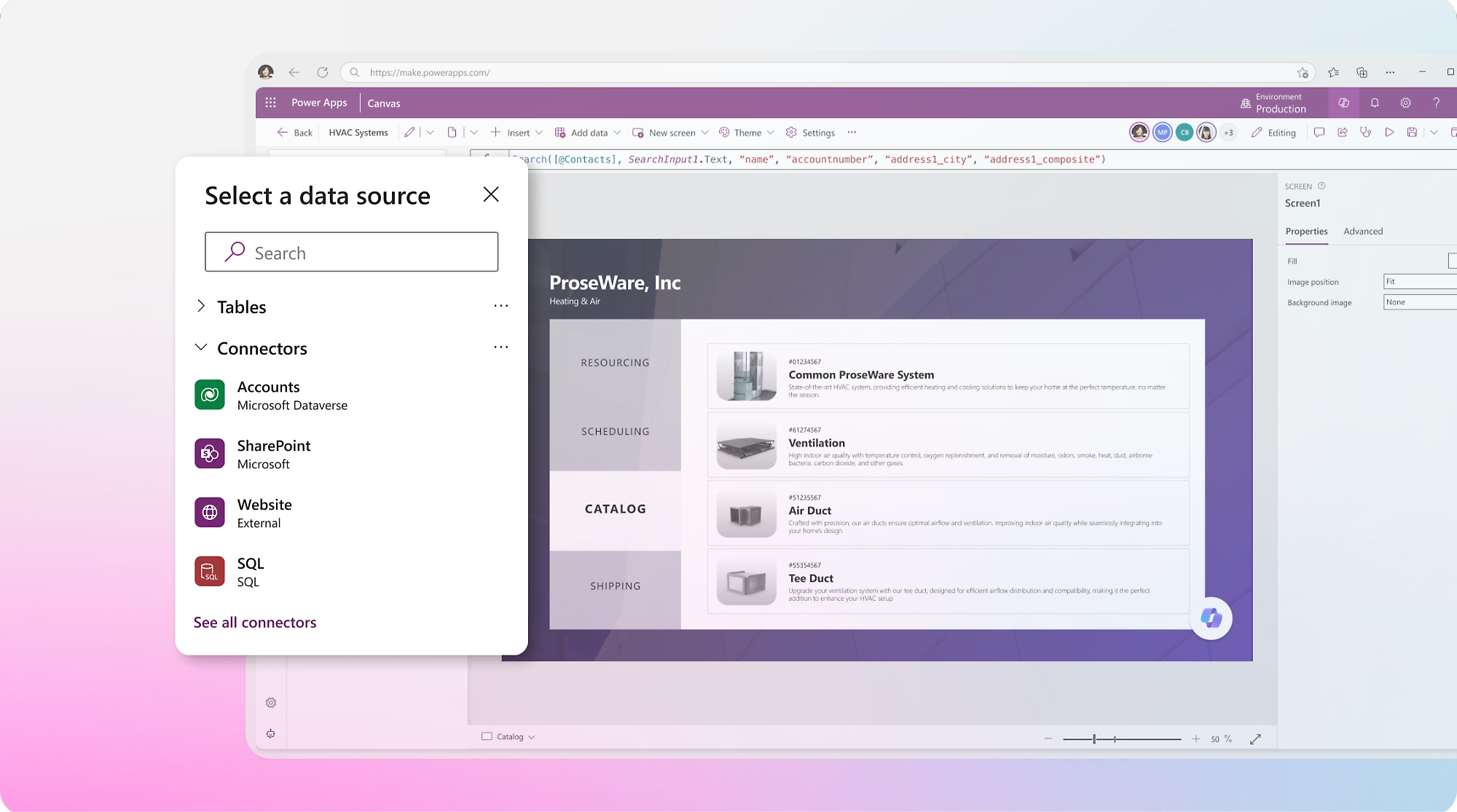
Connect to any data source
Choose from over 1,200 connectors or create your own to easily connect with any data source.
Creating from data
Automatically generate dynamic and immersive applications using a simple data model with a straightforward interface.
AI-created applications: Copilot in Power Apps
Power Apps enables organizations to develop intelligent business solutions using low-code tools.
These applications integrate artificial intelligence capabilities such as Copilot to facilitate the creation, customization, and use of applications through natural language. Users can describe what they need, and the AI automatically generates data models, interfaces, and functionalities. This improves productivity, reduces development time, and allows for more intuitive interaction with data. AI also optimizes processes, automates tasks, and provides contextual assistance within applications. Now you can easily install generative AI agents in desktop, mobile, or Microsoft Teams applications.
Integrations
Power Apps It integrates with several apps, allowing you to have everything in one place. Some of these tools are:
Power BI
To create interactive reports in Power BI, automate customer communication, or analyze KPIs.
Microsoft 365 Business Central
It allows you to have direct access to Business Central to obtain project information through Dataverse
Microsoft Teams
Connect the tool with Microsoft Teams to have direct access to communication with the sales team.