
Copilot for Dynamics 365 Sales: the AI assistant that accelerates sales, eliminates repetitive tasks, and improves every business interaction
Copilot for Dynamics 365 Sales helps sales teams work faster and with greater clarity thanks to generative AI and an integrated conversational experience within the CRM. It allows you to query records, summarize opportunities, prepare for meetings, generate emails, and access key insights without changing screens.
What is Copilot for Dynamics 365 Sales
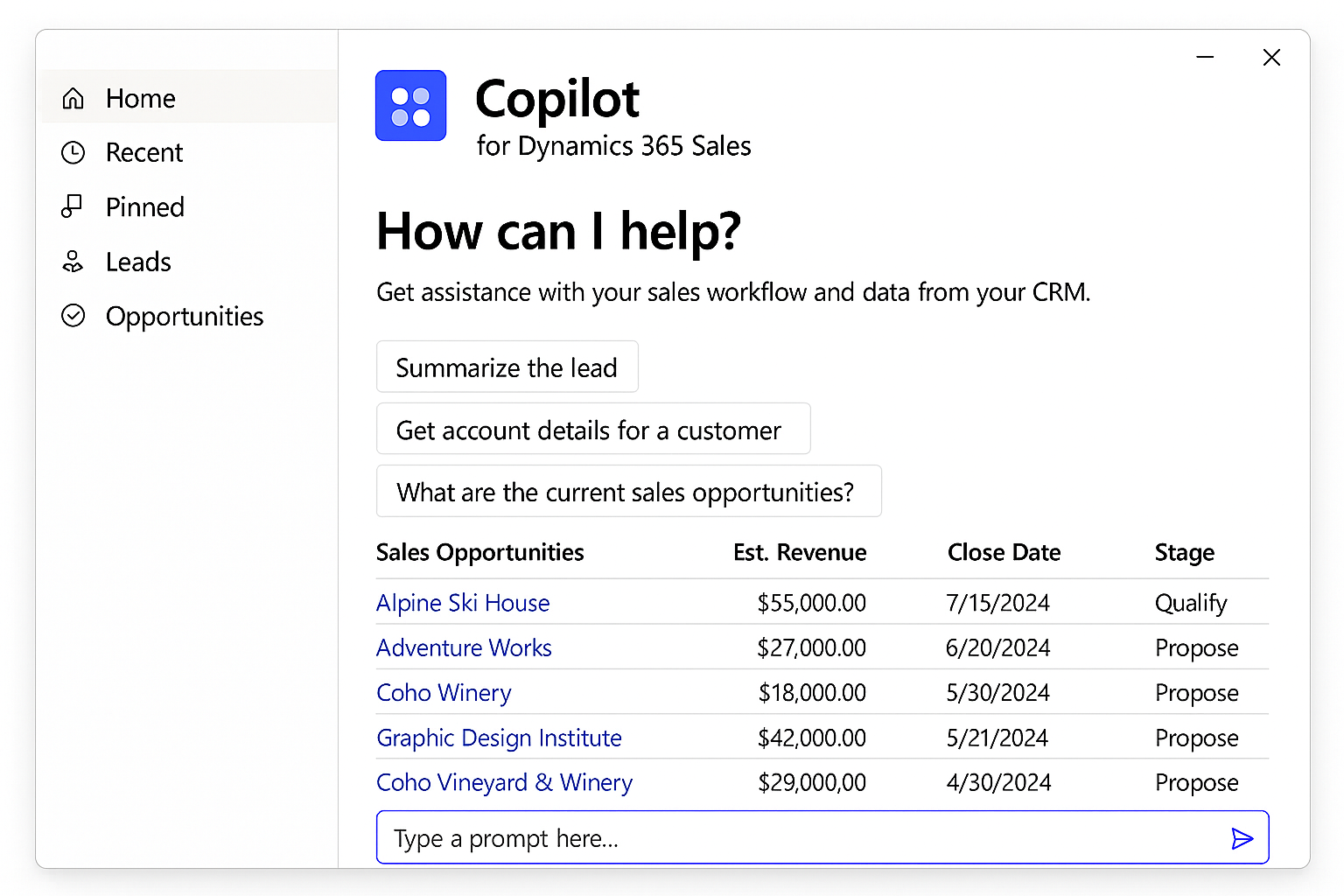
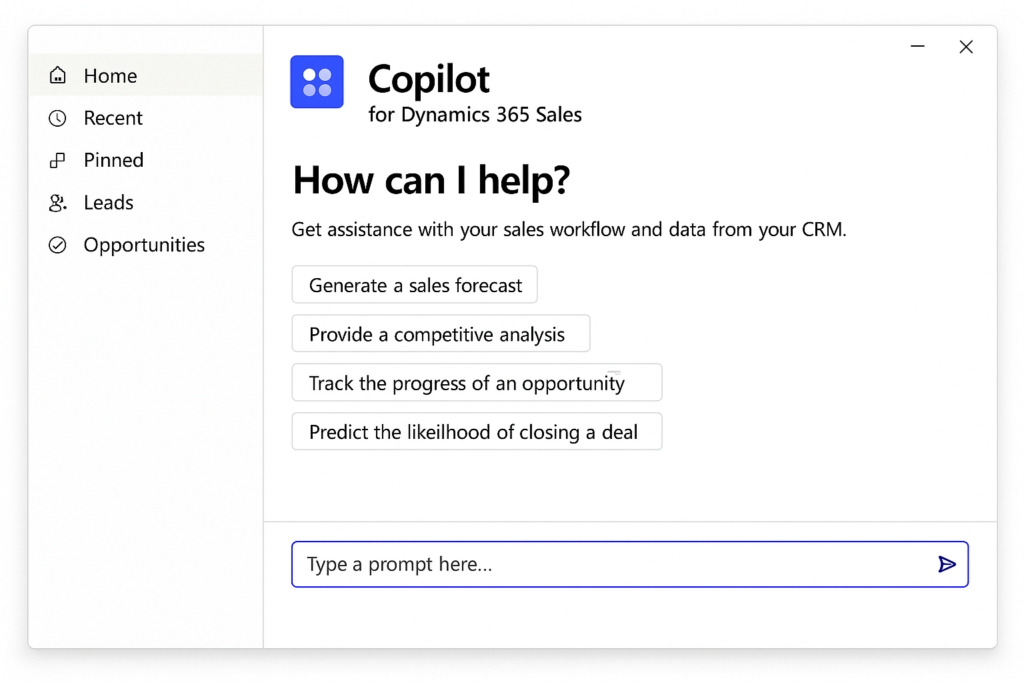
Copilot is an AI assistant integrated into Dynamics 365 Sales that offers natural language conversations and smart suggestions within the CRM. It allows you to get summaries of opportunities and accounts, review recent changes, prepare for meetings, and access relevant content effortlessly.
Additionally, it is also available in Outlook and Microsoft Teams, where salespeople can view and update customer data directly from the tools where they already work.
What Copilot can do in Dynamics 365 Sales
Automatic record summaries
Copilot generates clear and concise summaries of leads, opportunities, and accounts, including key data, activities, risks, and next steps.
Conversational chat in natural language
Sellers can “ask” Copilot about any business data. For example, “What changed on this account this week?” Copilot responds with contextualized information directly from the CRM.
Preparation of summaries and briefings
Copilot highlights recent changes, key activities, and relevant documents before each business interaction.
AI email generation
In Outlook, Copilot suggests replies, prepares thread summaries, and drafts business messages based on CRM and Microsoft 365 data.
Relevant news about accounts
Copilot uses Bing to display recent news related to clients, providing additional context before each conversation.
Integration with documents and SharePoint
It can answer questions based on corporate content stored in authorized repositories (such as SharePoint).
Benefits
Accelerated productivity in daily tasks
Copilot summarizes records, highlights recent updates, and generates relevant content for emails or meetings, significantly reducing administrative time.
Better meeting preparation and follow-up
Sales representatives can ask Copilot for a quick view of the latest changes, activities, and relevant news associated with an account or opportunity.
More effective customer communication
Copilot drafts email drafts based on real context: CRM records, previous conversations, and corporate documents. The app integrated into Outlook allows generating emails with AI directly from the inbox.
CRM enrichment without extra effort
Copilot captures activity information, suggests updates, and helps keep data clean and complete without manual effort.
Secure AI within the Microsoft environment
Copilot only accesses data that the user already has permission to. All information is processed within the security boundaries of Dynamics 365 and Azure OpenAI, without storing data outside the service boundaries.
Copilot + Outlook + Teams: Selling without switching apps
Copilot is available as an app in Outlook and Microsoft Teams, allowing you to:
- Update CRM data without opening Dynamics.
- View email summaries and reply suggestions.
- Receive automatic briefs before meetings.
- Synchronize activities and notes with Dynamics 365 Sales.
All of this with the same security measures and CRM permissions.
Frequently Asked Questions about Copilot for Dynamics 365 Sales
Only data relevant to the type of request (for example, key opportunity fields when asking for a summary), always encrypted in transit.
They are not stored outside the Dynamics 365 environment.
No. Azure OpenAI is configured without human monitoring for Dynamics 365.
Yes, an administrator can do this from the Dynamics 365 Sales settings.