Microsoft Power Automate It is a cloud-based system that allows you to create automated workflows, simplify business processes, and manage them. This tool allows you to create automated workflows between applications and services to get notifications, synchronize files, collect data, and integrate information systems.
This is a very versatile application. Power Automate connects different types of applications with the goal of improving productivity by establishing automated relationships.
Discover everything you can achieve with Power Automate
Benefits
What Power Automate can do for you
Effective and simple control
Get more visibility and greater control with less effort. Take control of content at scale thanks to management tools.
Template for SAP solutions
Quickly and easily create solutions for purchasing processes.
Simplify the approval processes
Create, manage, and share approval plans company-wide from your mobile device.
Share data between applications
Work with multiple applications (Excel, OneDrive, or Teams) at the same time and exchange data without having to interrupt your workflow
Document automation
Robust support for document processing with AI Builder, Power Apps, and Microsoft Dataverse.
Data automation
Connect to Power BI and analyze the KPIs more exhaustively. Obtain reports and conclusions.
Main functionality features of Power Automate
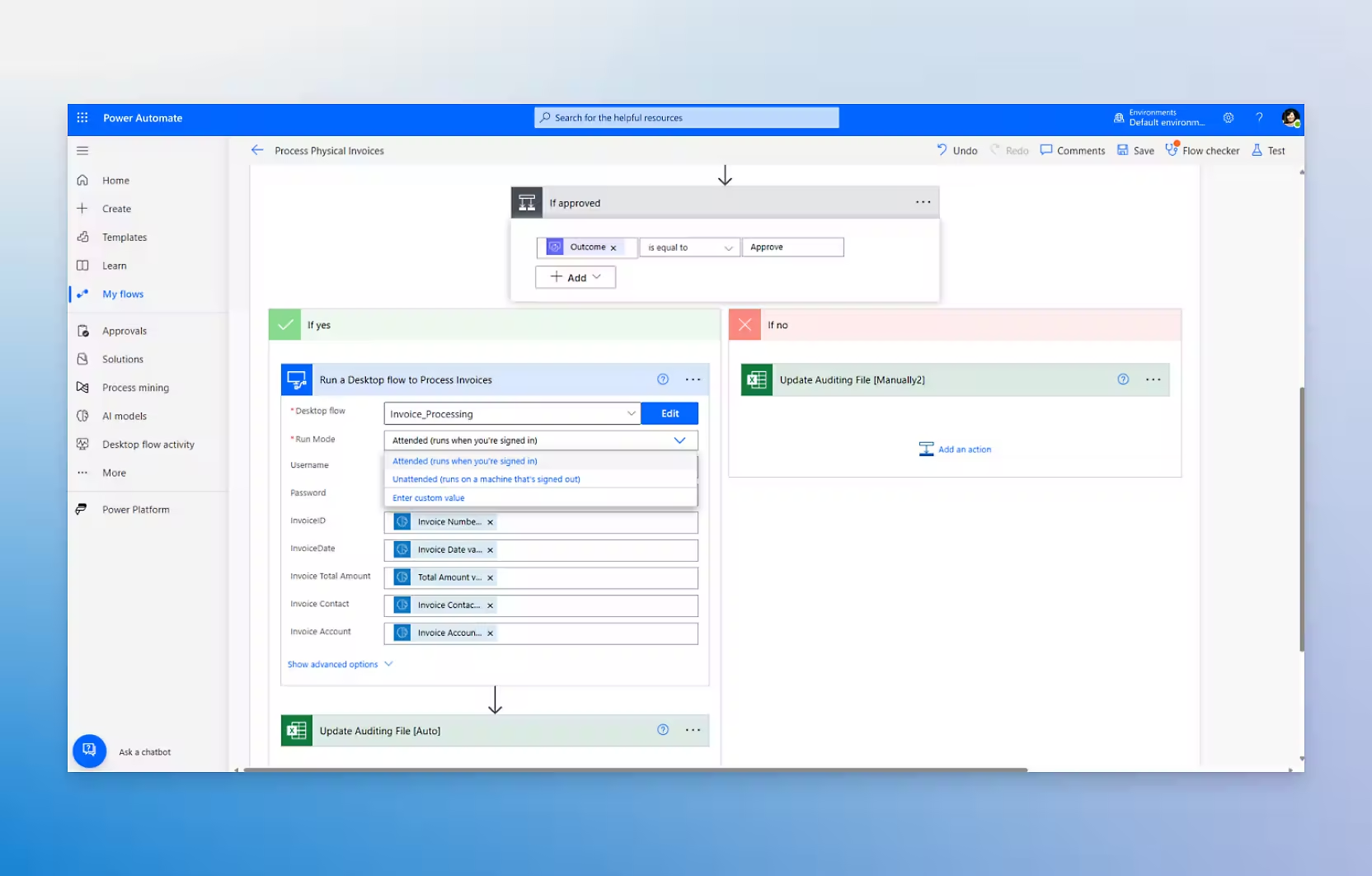
Automate repetitive desktop application tasks
Automation of manual tasks
Power Automate allows tasks such as moving files, filling out forms, or copying and pasting information between applications to be automated.
Action recording
Power Automate can record the actions you perform on your computer so you don't have to do them repetitively.
Integration with desktop applications
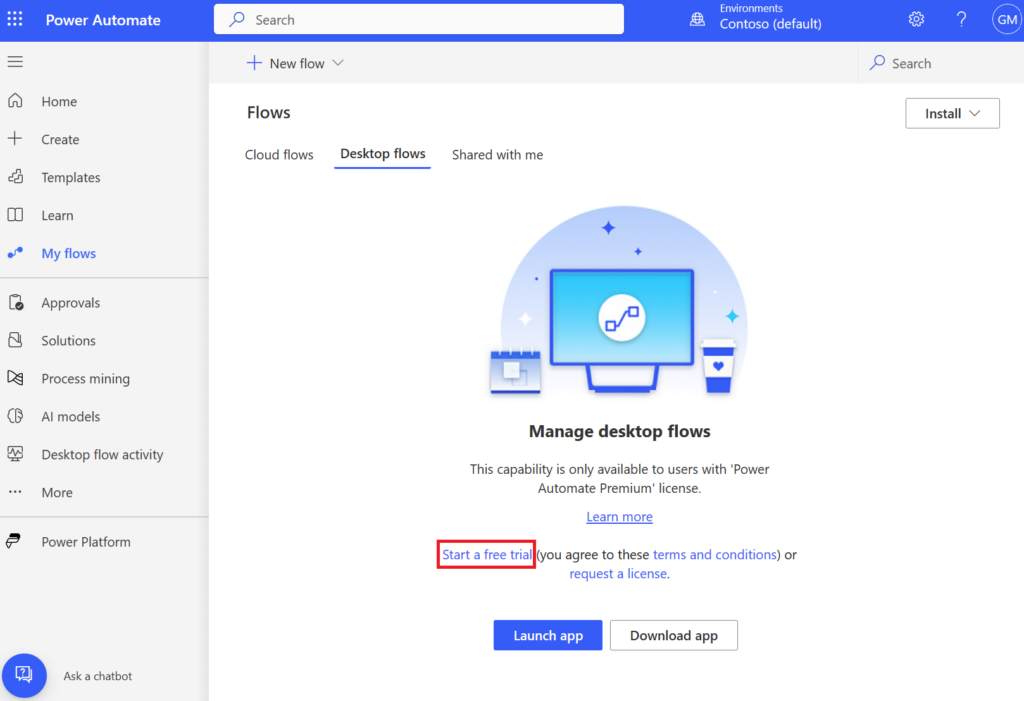
Power Automate RPA desktop flows work with a wide variety of desktop applications.
No-code automation
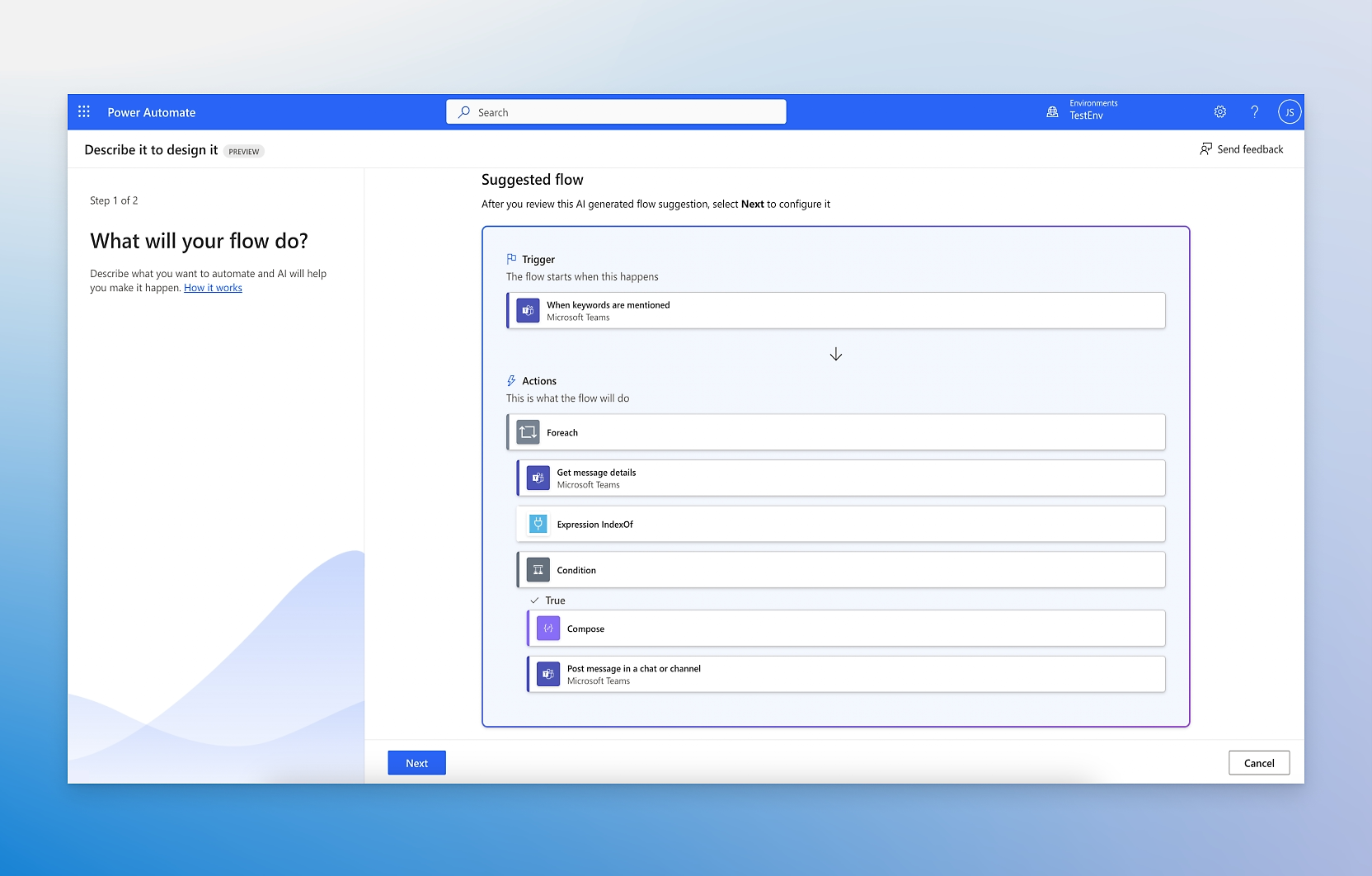
Power Automate offers a user-friendly interface that allows configuring workflows without the need for advanced programming knowledge.
Connect and automate different applications over the internet.
Take control of your financial data
Power Automate allows you to automate tasks performed in cloud applications and services
Condition-based flows
Cloud flows can be triggered automatically when certain conditions are met.
Integration with multiple services
Power Automate connects with over 500 cloud services, including applications such as Microsoft 365 and Dynamics 365.
Security and compliance
Power Automate ensures that the data handled in workflows is protected with high security standards.
Have a positive user experience
Clarity in processes
Power Automate offers total transparency in business processes by recording and monitoring every step of automated tasks.
Ease of use
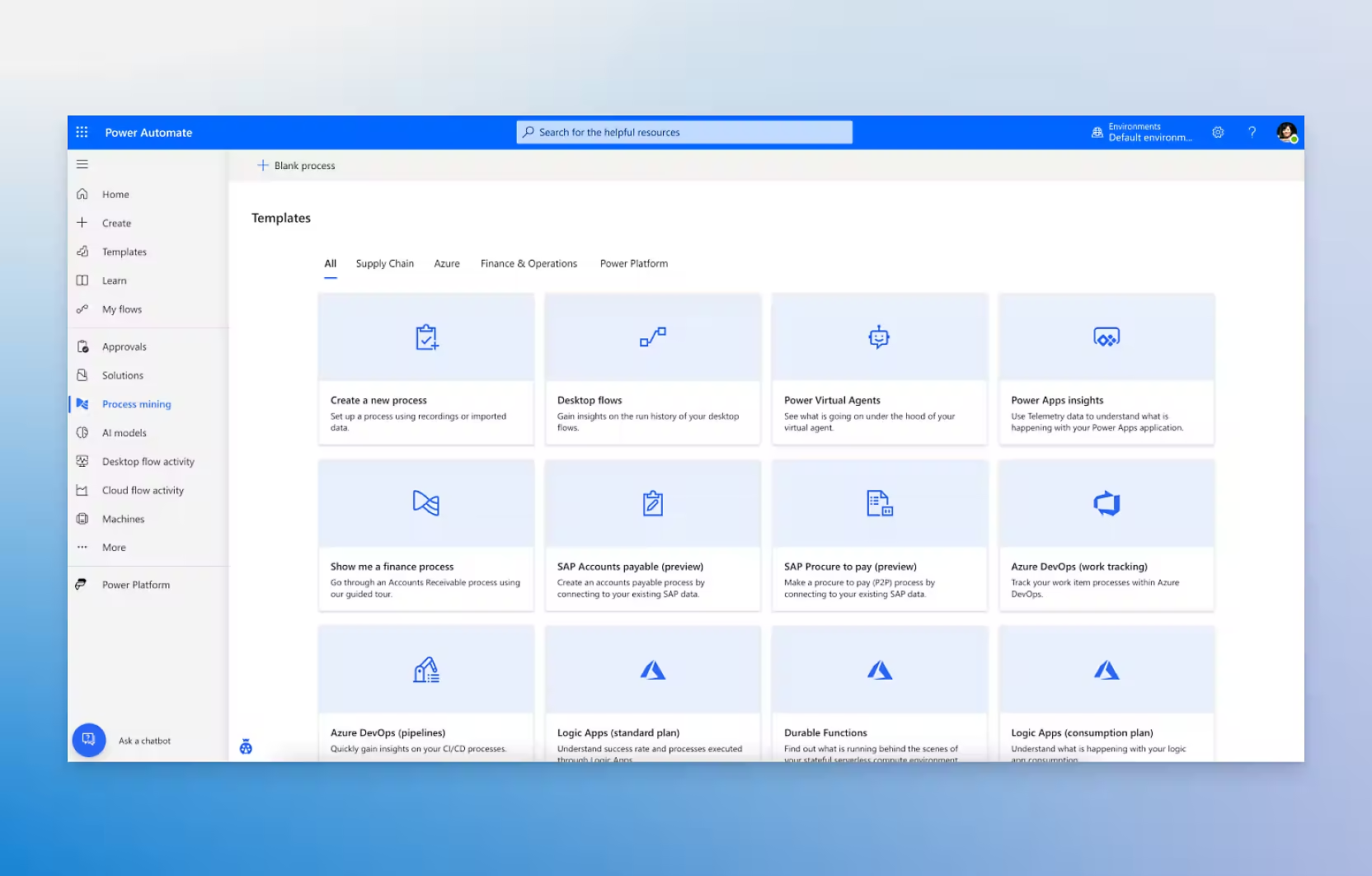
Power Automate provides a wide range of templates for different types of workflows. These templates serve as a starting point for setting up automations without needing to build them from scratch.
Identification of improvements
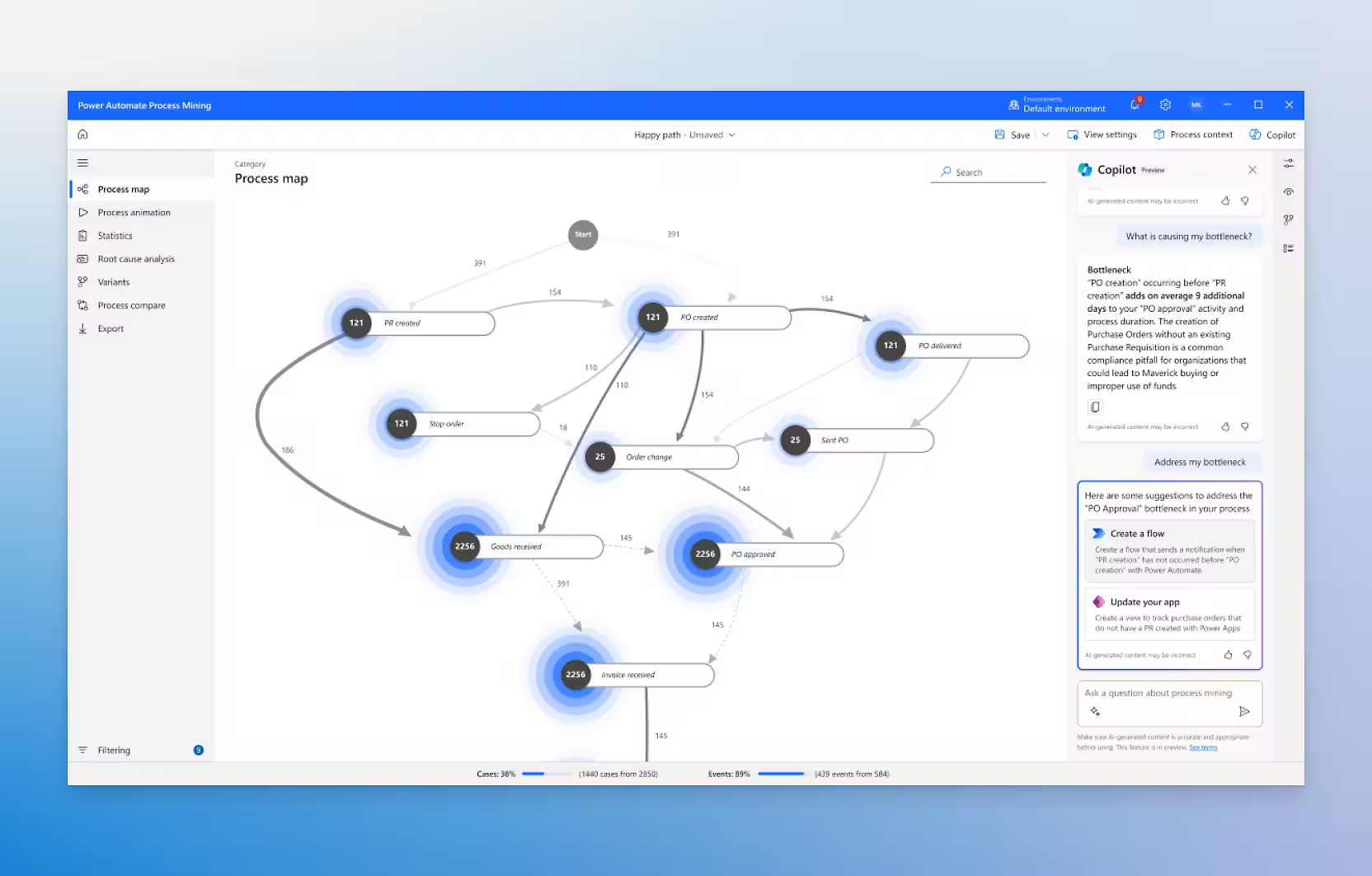
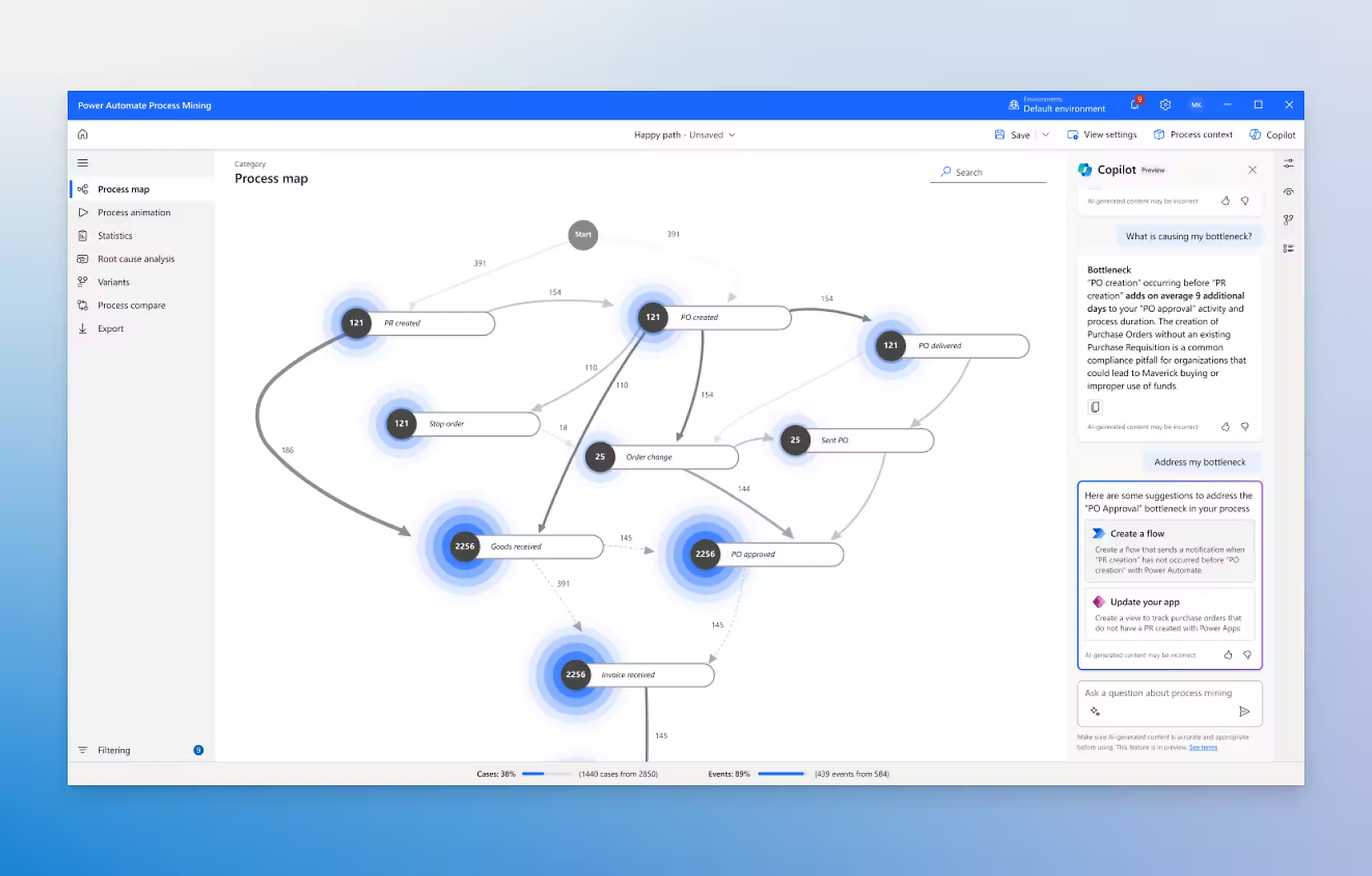
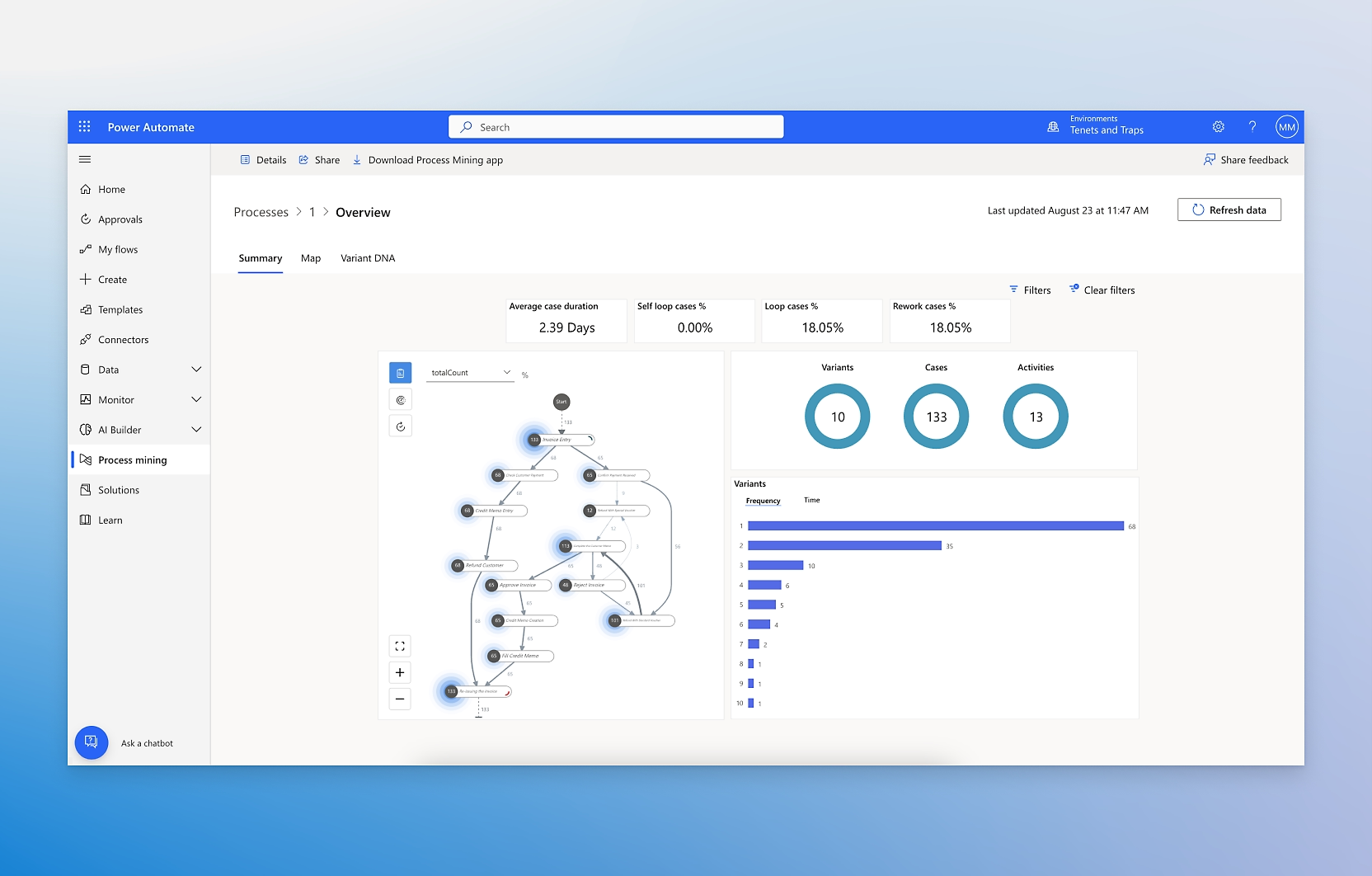
Process mining in Power Automate analyzes activity data and reveals opportunities to improve efficiency and optimize processes.
Report generation
Power Automate provides tools to generate detailed reports on automated processes. These reports include key metrics, execution times, and performance analytics.
Reduce errors and work safely
Automation security
Power Automate ensures that automated processes are implemented securely. It uses robust security standards to protect data and automated operations.
Reliability in Task Execution
Power Automate is designed to execute workflows reliably and consistently, minimizing the risk of errors and failures.
Automation Management in the Company
Power Automate provides tools to manage and scale automations across the organization. This includes the ability to monitor, adjust, and maintain workflows at scale.
Reduce the resources used in the work
Ready-to-use models
Power Automate offers pre-built AI models that can be easily integrated into workflows.
Adaptation to Specific Needs
Power Automate allows users to train their own custom AI models for specific tasks in their organization.
Natural Language Processing (NLP)
The natural language processing (NLP) capability allows Power Automate to understand and process text in human language.
Advanced Task Management
AI in Power Automate can handle complex business processes that require multiple steps and data-driven decisions.
Integrations
Power Automate integrates with the tools of Business Central, Microsoft 365, Dynamics 365 and Copilot.
Business Central (ERP)
It allows you to have a direct access to Business Central to obtain project information through Dataverse.
Microsoft 365
Power Automate connects with daily-use applications in the Microsoft ecosystem like Outlook or Excel.
Dynamics 365 (CRM)
Connect Power Automate with Microsoft CRM to get the best results for your business.
Copilot
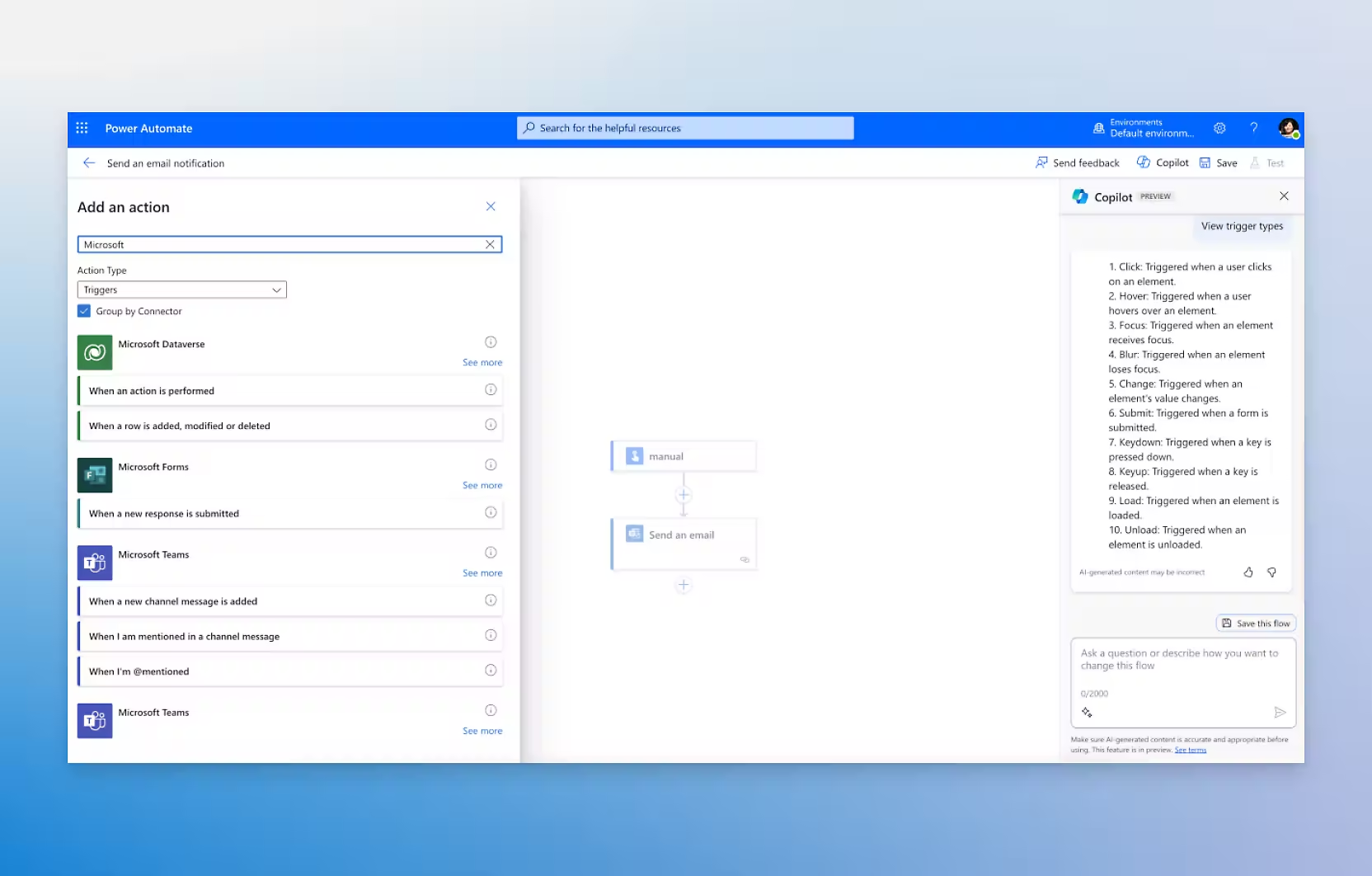
Power Automate incorporates Artificial Intelligence capabilities with Microsoft Copilot.