Microsoft 365 It is the market-leading productivity platform that provides companies with a secure, flexible, and scalable cloud environment. It allows you to work with a suite of applications such as Word, Excel, PowerPoint, Outlook, Teams, Microsoft Viva, and SharePoint.
This platform provides companies with a collaboration, communication, and security environment where users can create effectively, regardless of their location.
Discover everything you can achieve with Microsoft 365
Benefits
What Microsoft 365 can do for you
Collaborate anywhere
Collaborate in real time from different parts of the world on the same document, increasing efficiency and teamwork.
Easy access
Access any document from your mobile phone.
Increase productivity
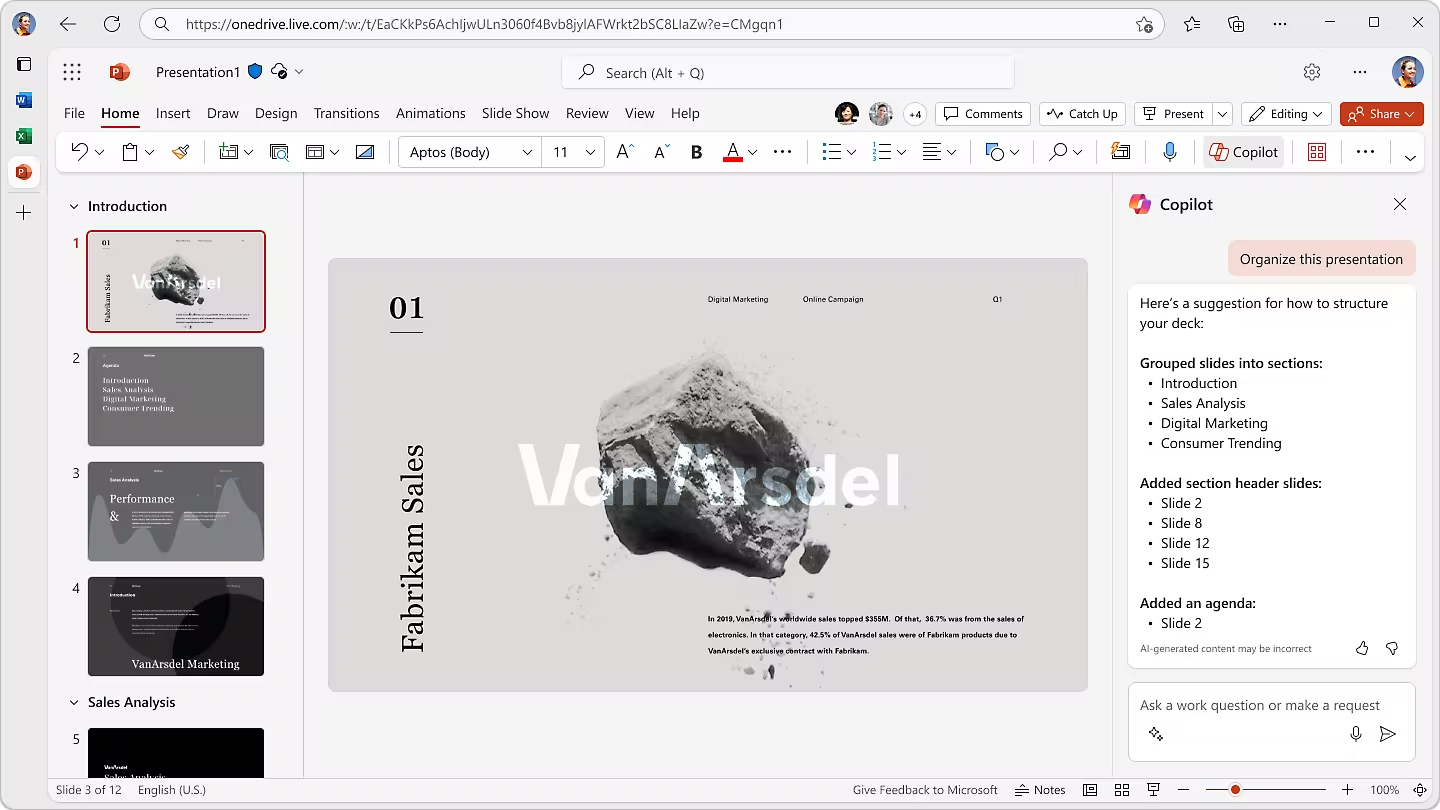
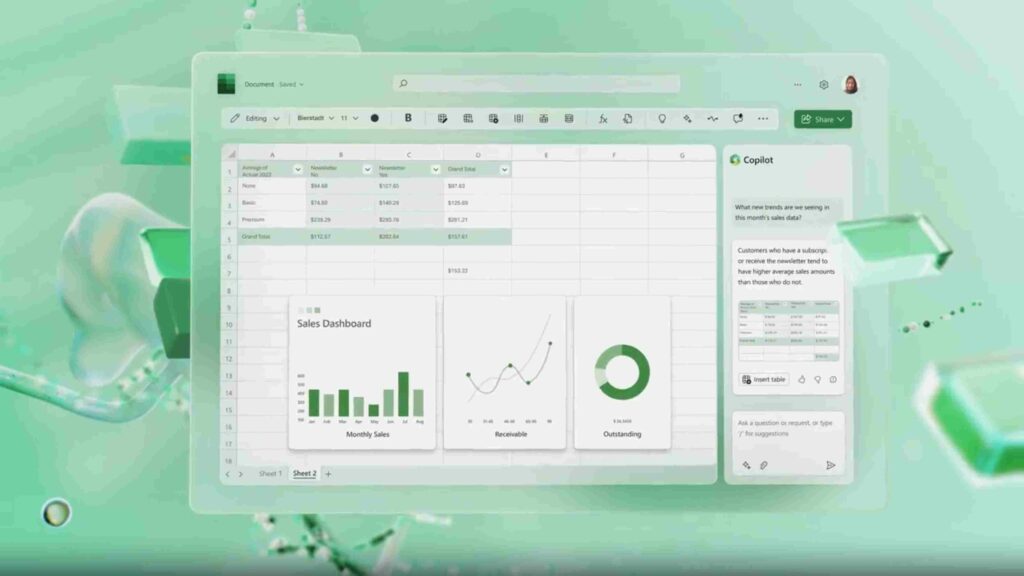
Improve decision-making, boost operational efficiency, and optimize processes with Copilot.
Protect your data
All your data will be secure under Microsoft's security processes. Additionally, you will be able to customize them according to the company's specific needs.
Advanced tools
Have tools at your fingertips like Power BI , which allows you to analyze data effectively and present it to your company.
Application integration
Microsoft 365 applications integrate seamlessly with one another, allowing for continuous connection and information flow.
Artificial Intelligence in your business: Copilot in Microsoft 365
Microsoft 365 incorporates Copilot, the virtual assistant that helps companies improve how they work in their daily activities. Thanks to generative AI, Copilot helps create documents from scratch, build presentations, search for documents, translate a conversation in Teams, and much more, without leaving the tools.
With Copilot, workers can focus on what truly matters: making better decisions and growing the business. AI not only streamlines repetitive processes, but also detects patterns, anticipates needs, and offers real-time recommendations.
Microsoft 365 Applications and Their Functions
Get the most out of your documents
Advanced text editor
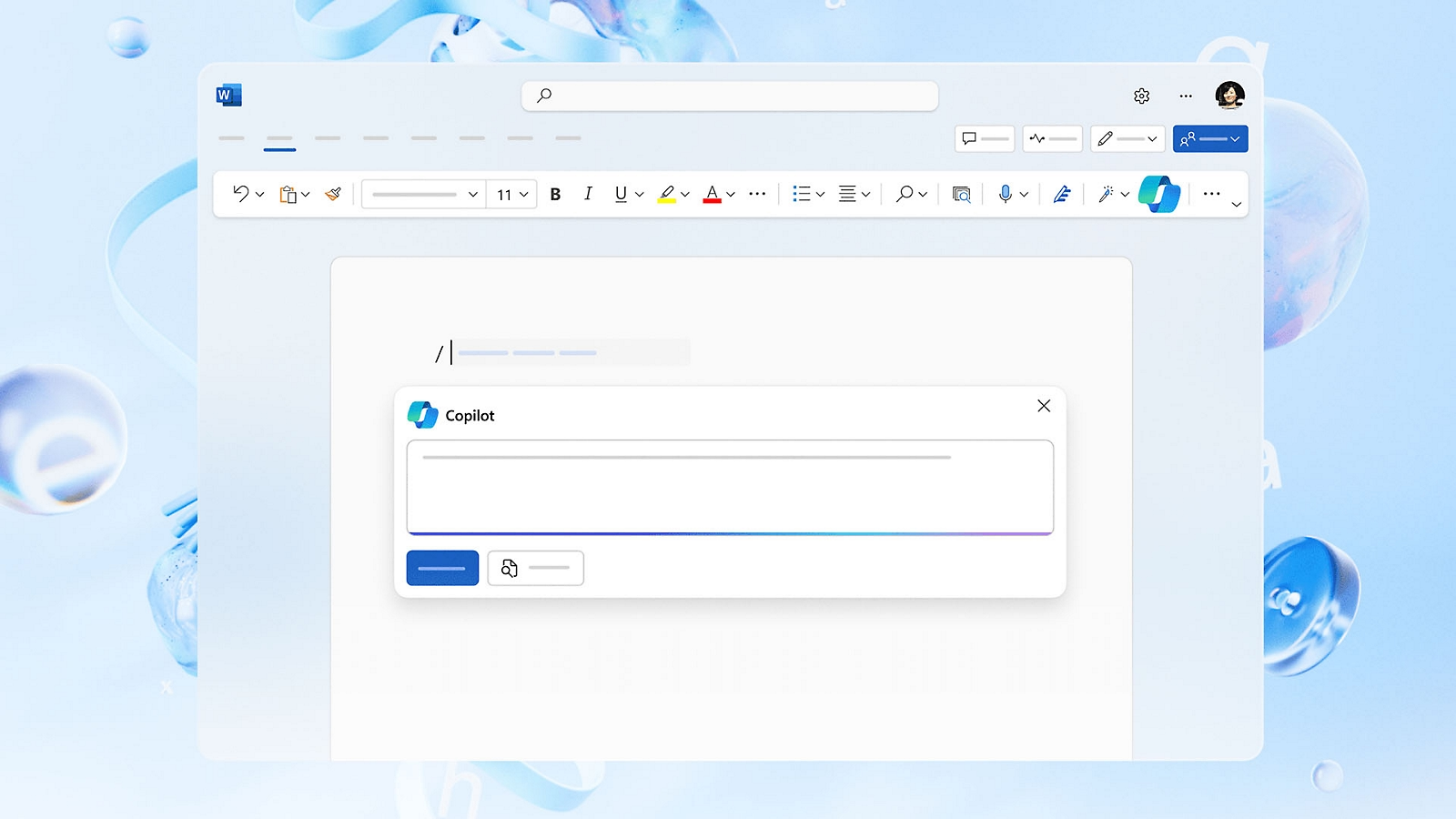
With Copilot, you will get grammar, spelling, and writing style suggestions, as well as recommendations for text refinement and text clarity.
Integration with other applications
Collaborate in real time directly from Word, facilitating communication and teamwork without having to leave the application.
Collaborate in real time
Now it is easier to see who is working on the same document and see what changes they are making.
Meeting transcription
Word allows you to transcribe meetings and interviews into a document.
Access thousands of templates
Choose from thousands of free customizable templates for any situation.
Get your idea across simply
Collaborate in real time
With Copilot, it is possible to generate summaries with customer details and relationship history.
Advanced transitions and animations
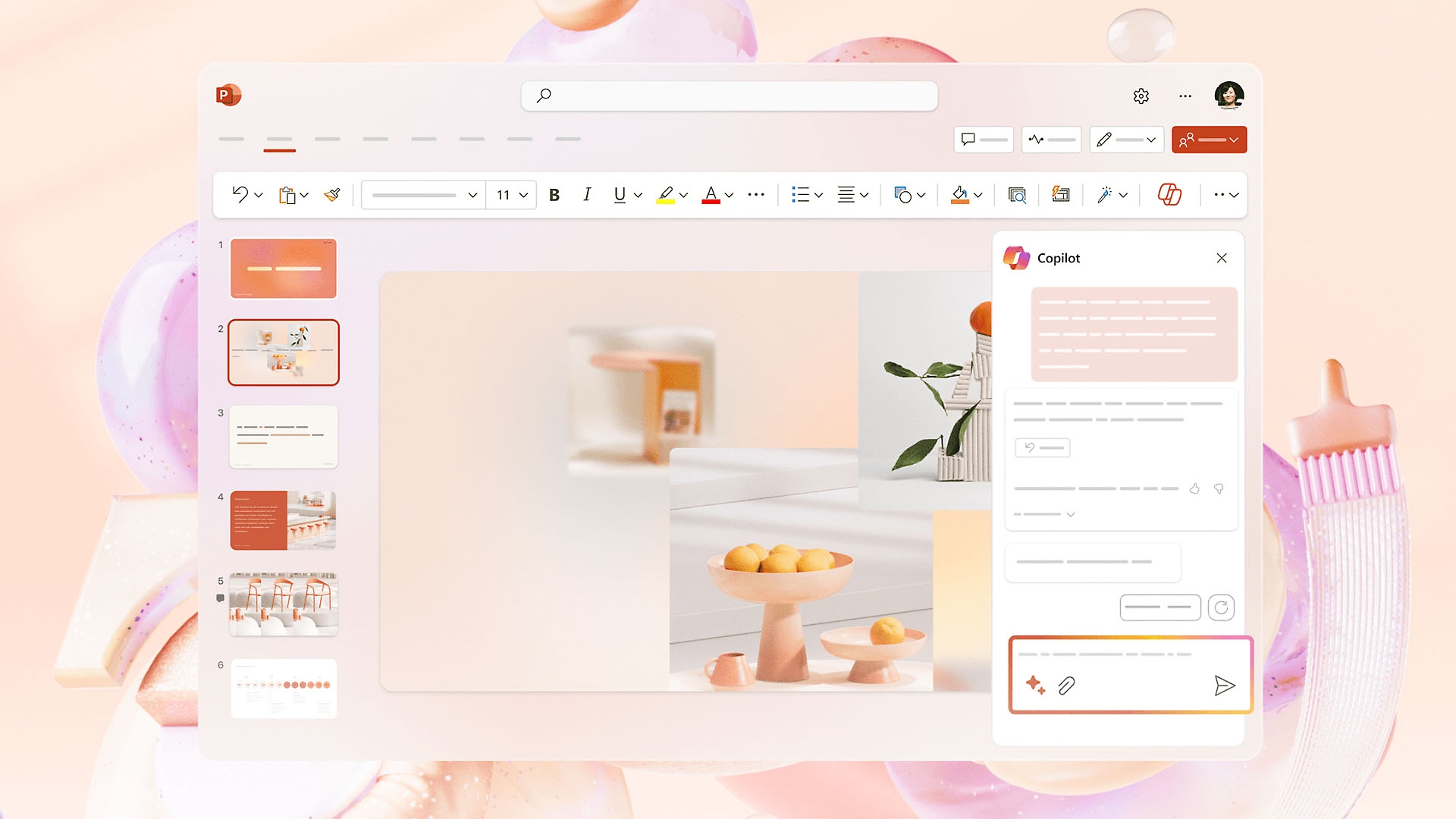
PowerPoint offers a range of transitions and animation effects that enhance the quality of your presentations. With Copilot, you will have professional design suggestions based on the content of the slide.
Data integration and analytics
Improve Excel integration to import and manipulate data directly with PowerPoint.
Data automation
Automate workflows related to the creation, review, and approval of presentations.
Take data analysis to the next level
Data analysis and visualization
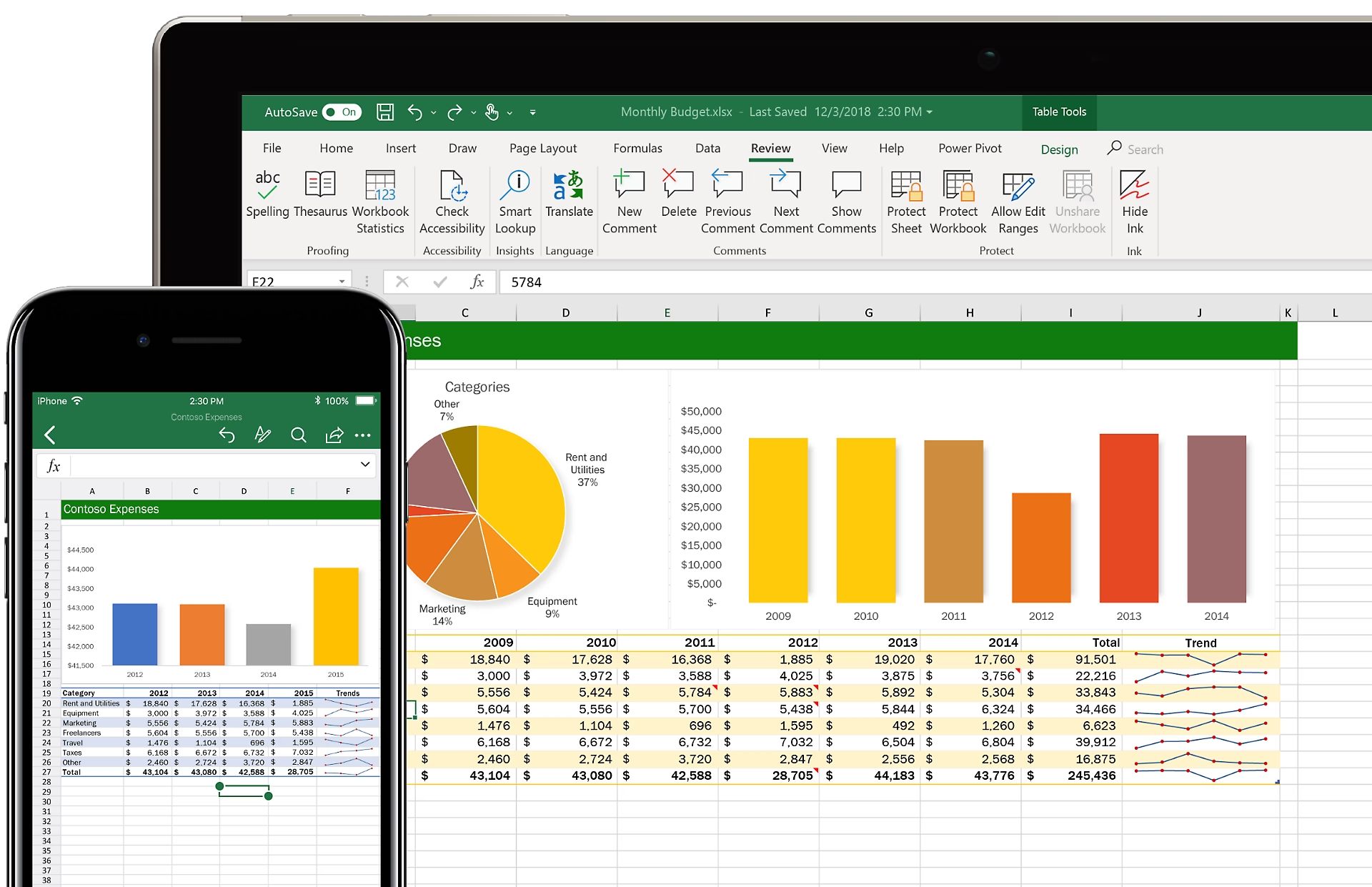
Thanks to tools like Power Query and Power Pivot, data import and transformation are improved. In addition, get new charting options and improvements to existing ones.
Collaborate in real time
Excel allows multiple users to work simultaneously on a spreadsheet, view changes in real time, and leave comments.
Task automation
It allows creating and executing scripts to automate repetitive tasks, thereby facilitating productivity.
Organize and prioritize business communication
Email management
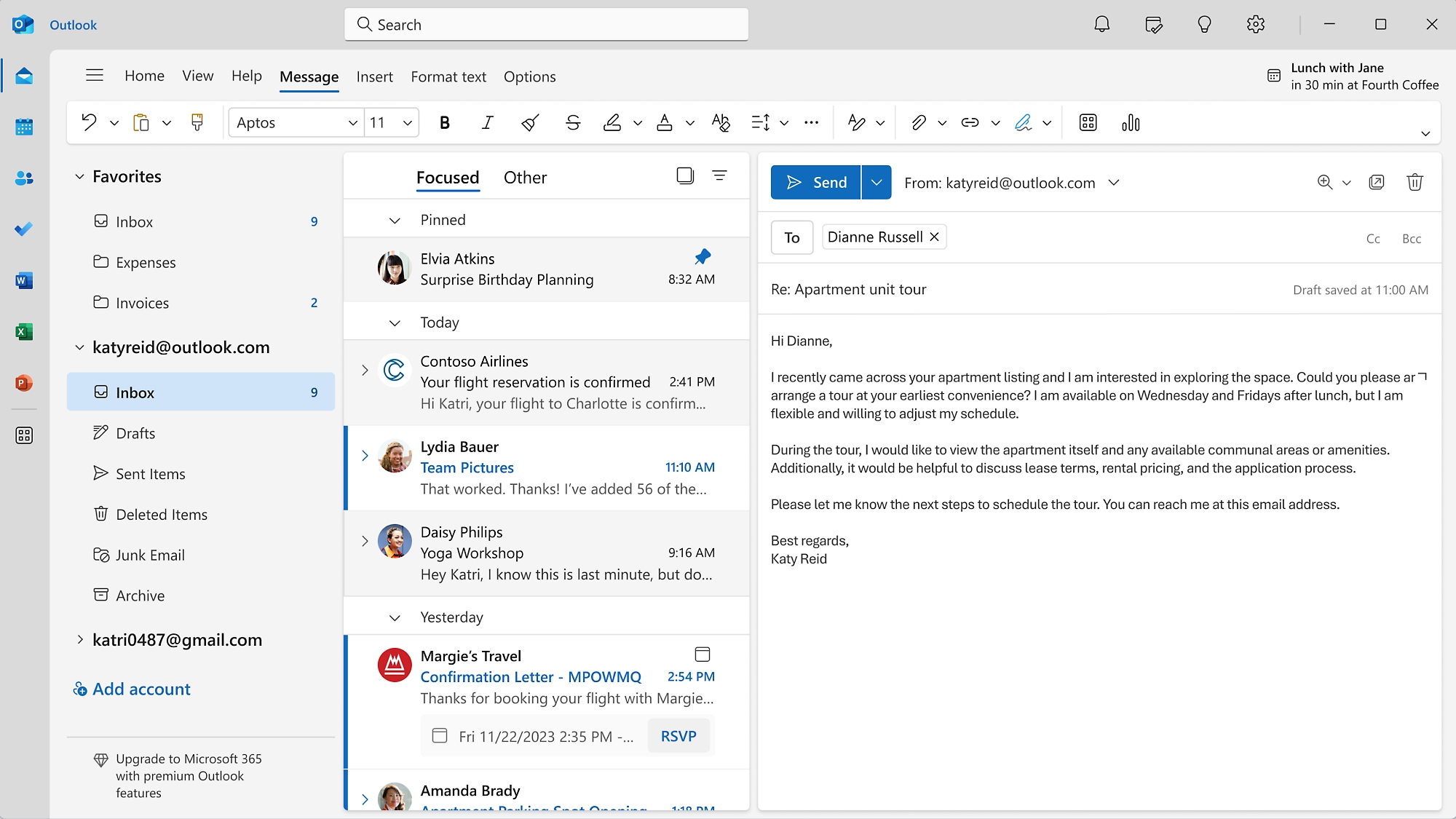
Outlook offers advanced tools to organize, filter, and manage large volumes of email. In addition, it filters the most important emails and separates them from the rest, helping users focus on important tasks.
Smart calendar
You will be able to share and view other employees' calendars, making it easier to schedule meetings and events. As well as features to book meeting rooms and other resources directly from the calendar.
Create emails in seconds
Copilot suggests quick and relevant email replies, improving communication efficiency.
Collaboration at work has never been easier
Instant messaging
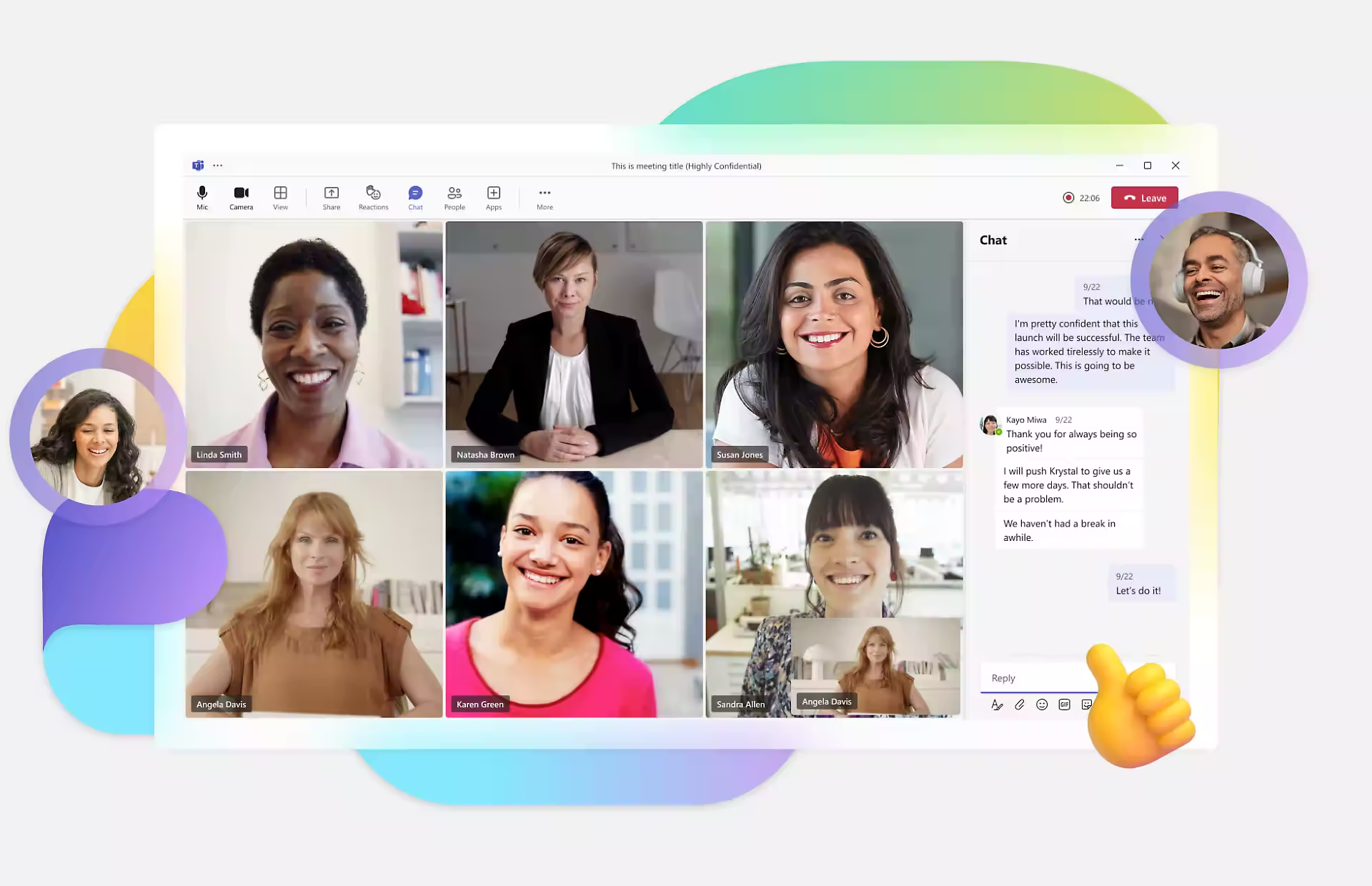
You will be able to have individual and group chats and the ability to pin important messages, accessible to all chat members.
Online meetings
Hold virtual meetings with quality video and audio. It also allows you to record the meeting and share your screen with other members.
Don't miss a thing
Thanks to Copilot, get summaries of the meetings you couldn't attend or where you arrived late and your name was mentioned.
Integrate other applications
Use applications like Microsoft Planner and To Do to organize the team and manage tasks and projects.
Instant translation
Get instant translation during live conversations thanks to Copilot.
Keep your business documentation organized and in place
Storage and management
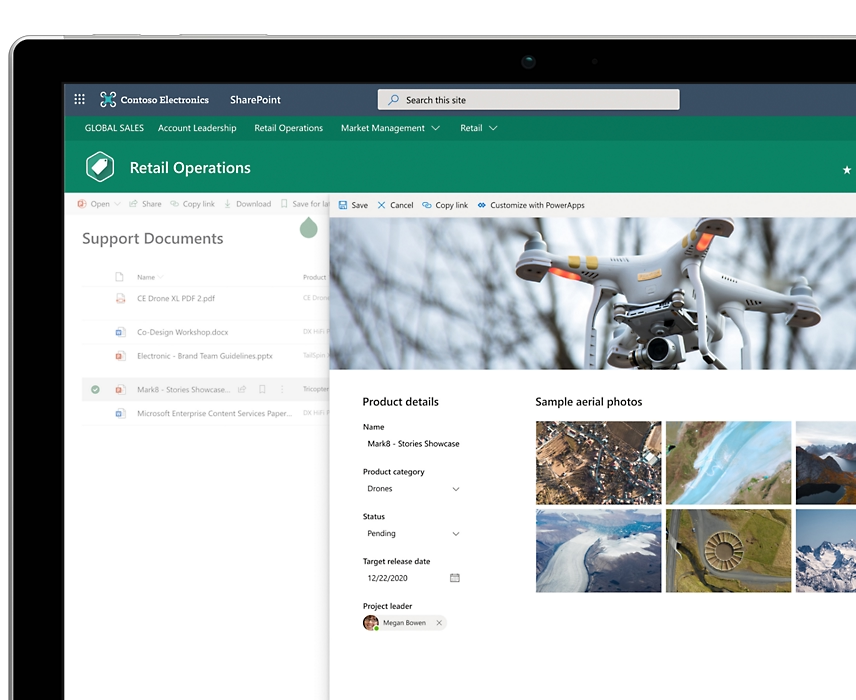
Have organized spaces at your disposal to store, share, and collaborate, including custom views.
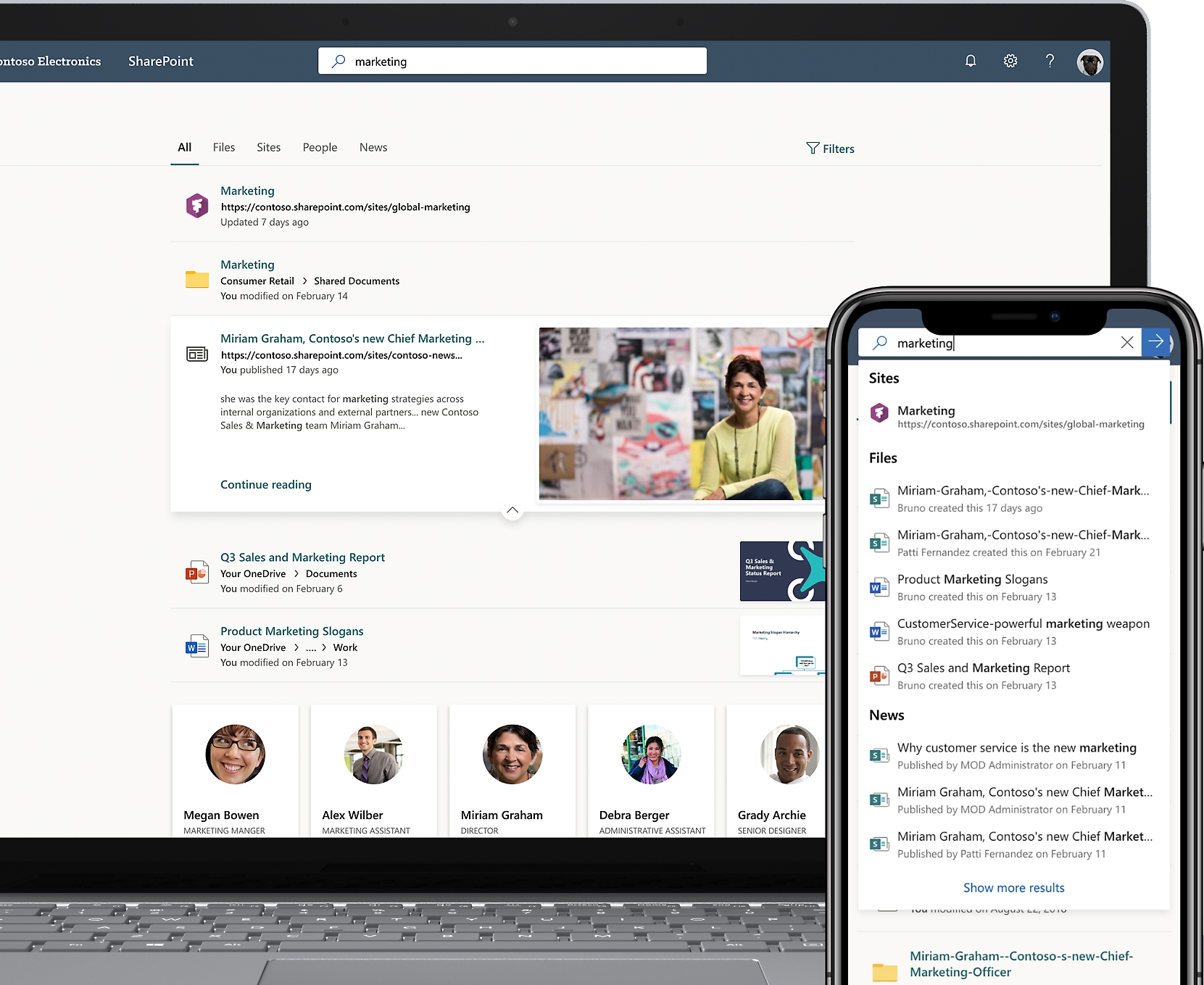
Smart search
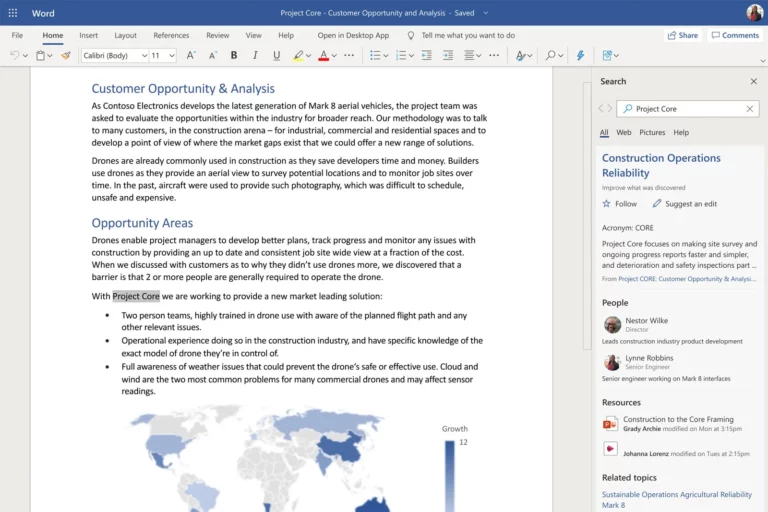
Thanks to Copilot, get more relevant search results, being able to search even within the document.
Communication platform
Have a platform to share news, reports, and other internal business content.
Improve communication and integration within your company
Internal communication portal
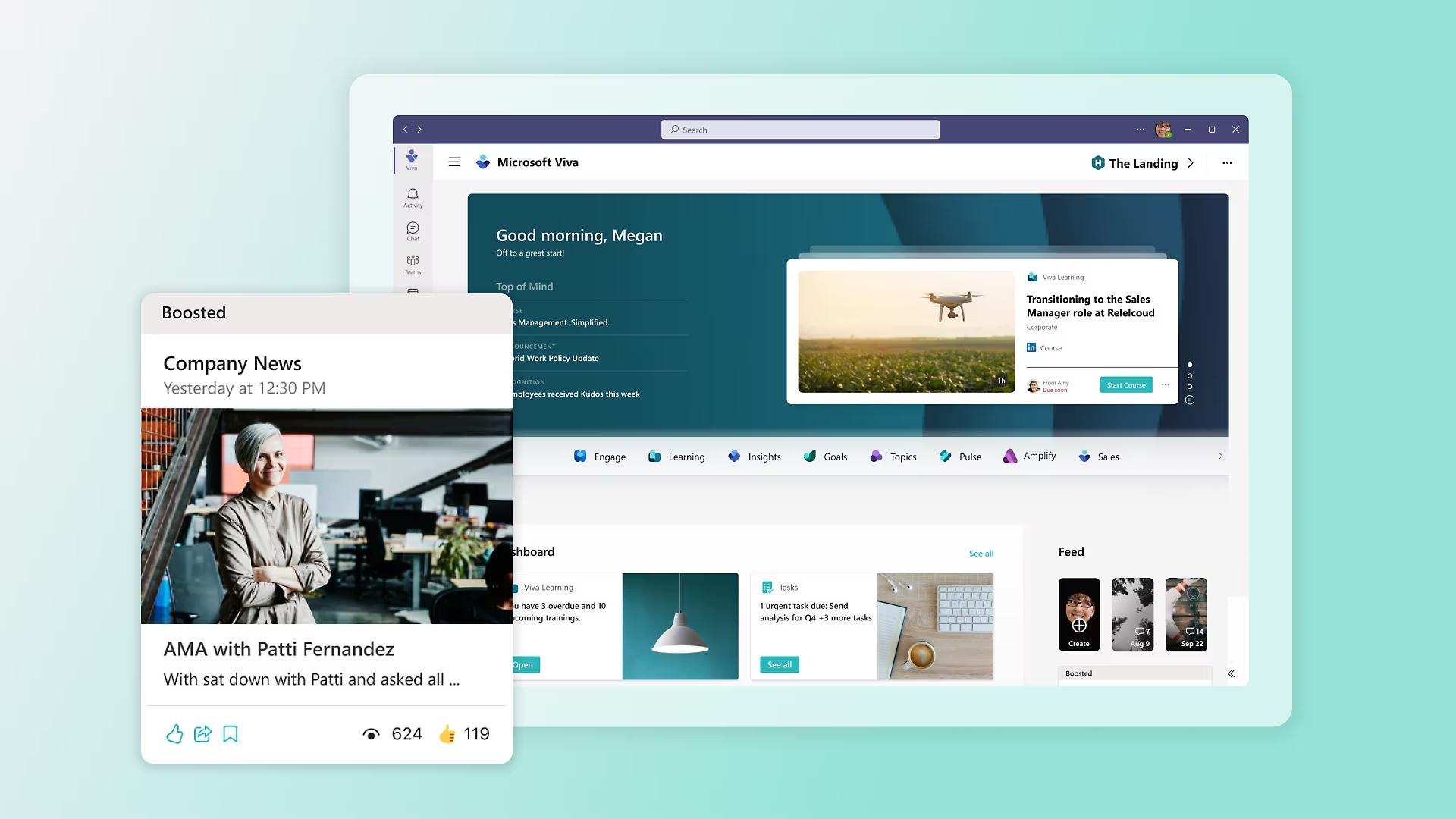
Provide a personalized home portal where employees can access news, announcements, and internal resources.
Integrated access
Allow workers to access from Microsoft Teams, integrating the experience into their daily workflow.
Wellness reports
It offers personalized reports and recommendations to improve workplace well-being and personal life.
Integrations
Microsoft 365 It integrates natively with thousands of applications, both from Microsoft itself and from other manufacturers. Discover in this link the suite of applications built on Microsoft 365.
In addition to standard applications and connectors, at Goom we specialize in performing custom integrations with proprietary or third-party applications that companies have implemented.