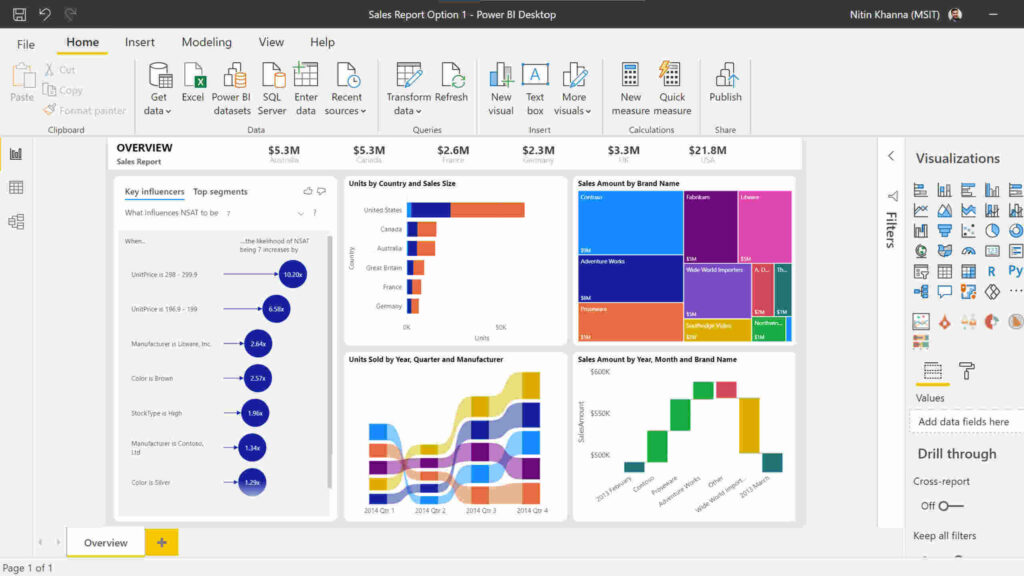
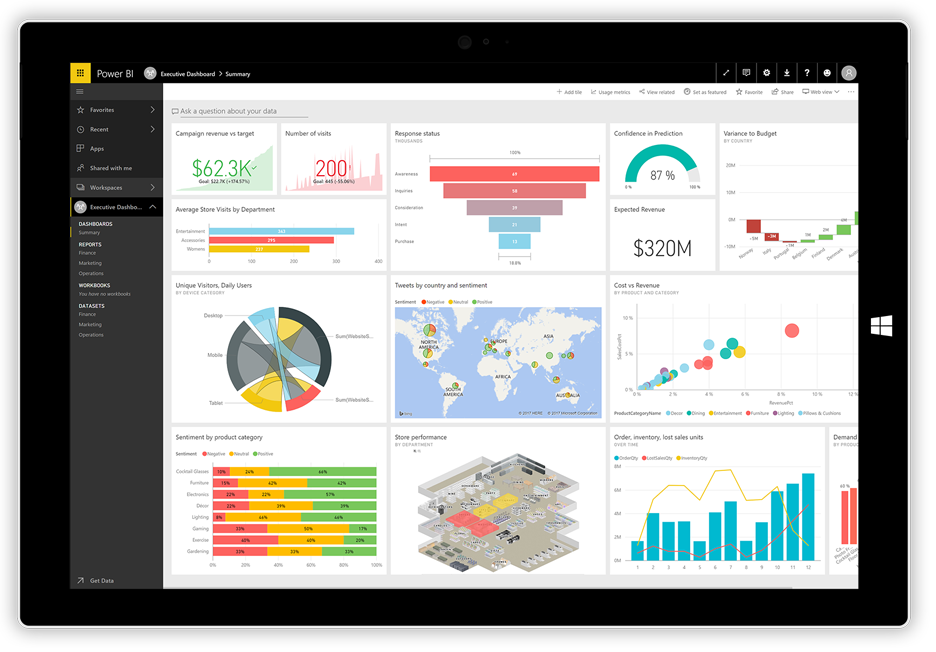
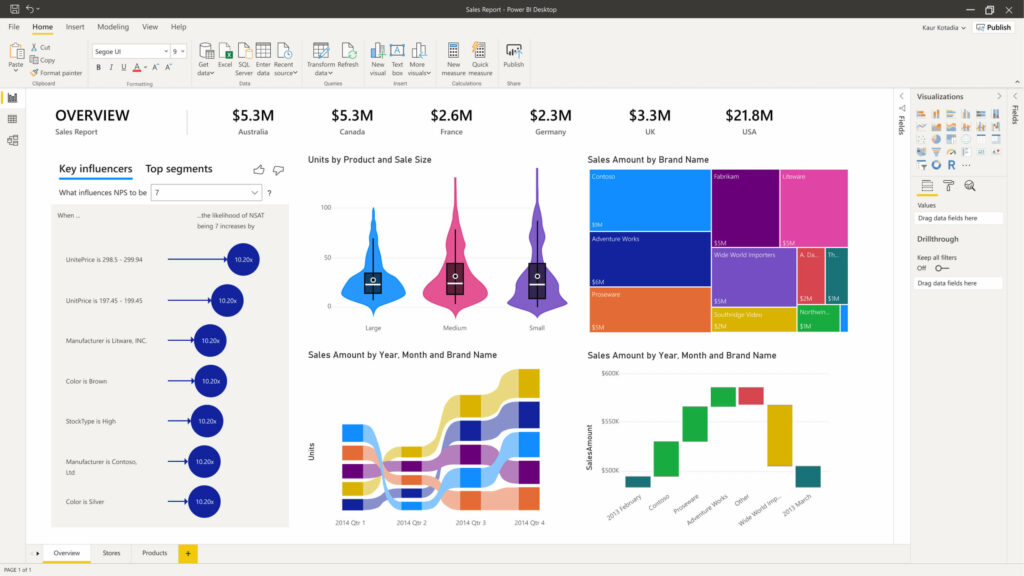
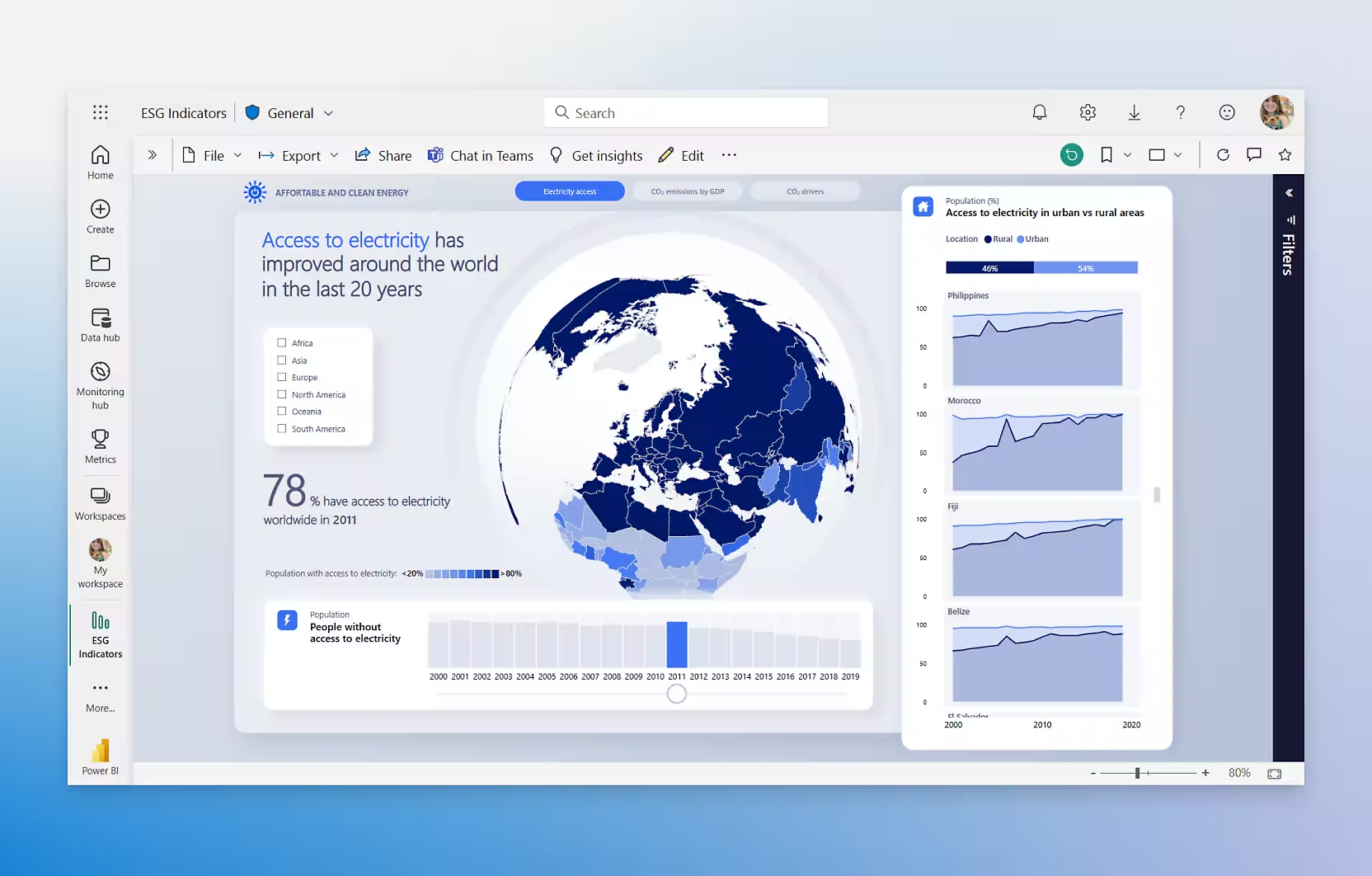
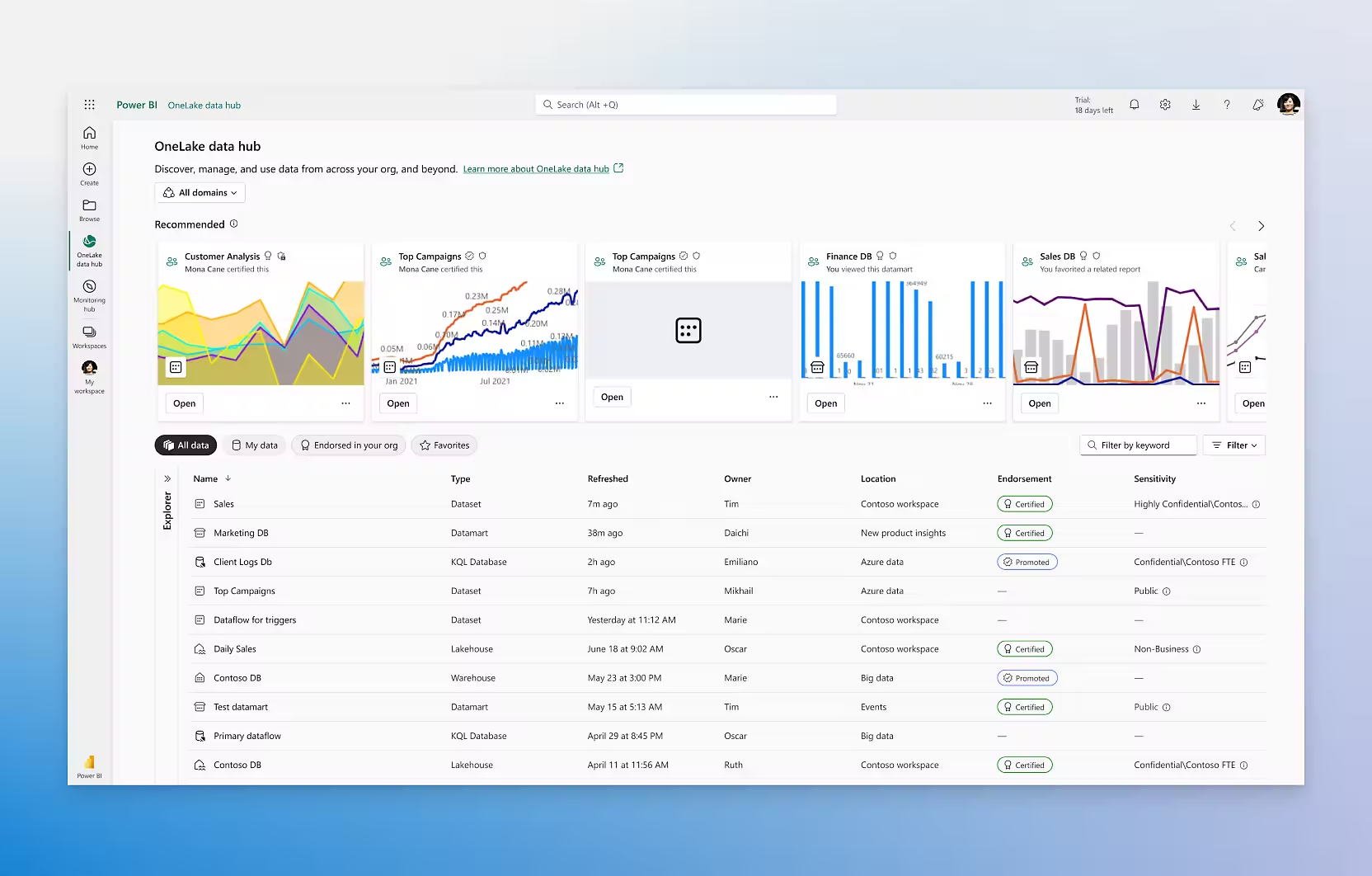
Power BI it is the Business Intelligence solution that is part of the Microsoft Power Platform and allows for data-driven decision making.
Power BI is Microsoft's solution for data analysis and visualization, designed to transform information into smart decisions. It is a platform that allows connect, analyze, and share data in an agile and visual way with the entire company.
In this way, the user can focus on specific data and dispense with what they do not need to carry out a given task.
With Power BI, you can connect different data sources and access them from a single environment.
Business scalability and self-service flexibility
It allows you to improve data access and innovation, contributing to independent work by company teams.
Boost productivity with AI
Use AI to find data patterns, instantly create reports, provide answers, and much more.
Share the information everywhere
Easily embed and share reports in other Microsoft 365 apps.
Ease of use
Thanks to the drag-and-drop canvas, reporting is simplified. In addition, Artificial Intelligence technology generates automatic reports and offers a wide variety of templates.
Accelerate time-to-market with customers
By embedding reports for clients, you will be able to customize it based on the brand image.
Power BI features
Discover new insights with Power BI
Convert data into dashboards with advanced data analysis tools, artificial intelligence features, and an intuitive report creation tool.
Gather all the data
Create datasets from any source and add them to the OneLake data hub to create a single source of truth for the data.
Turn information into impact
Help users make better decisions by infusing information into the apps they use every day, such as Microsoft 365.
Empower all data teams
Transform how your company accesses, manages, and acts on data by enabling Microsoft Fabric with Power BI.
The tool
Create reports in seconds, generate DAX calculations, create summaries, and get answers, all in conversational language.
Create reports in seconds
Create and adapt reports quickly just by describing what you want or asking questions about the data.
Explore and summarize your data
Understand data faster by adding detailed text summaries and even adapt the tone, scope, and style of the narratives.
DAX query writing
Use Copilot in Power BI alongside the explore feature to summarize semantic models and in the DAX query view to write and explain DAX queries.
General information
License for individual users with modern, self-service analytics to publish reports and view content.
Self-service
Allows users to create reports and publish them to share with coworkers, helping to foster business intelligence with self-service features.
Microsoft 365 E5
Use Power BI Pro with other Microsoft 365 apps and industry-leading Microsoft security for a low per-user price.
Artificial Intelligence in your data: Copilot in Power BI
In Power BI, Copilot helps harness the power of generative intelligence to get the most out of your data. With chat-based features, Copilot can assist you with analysis tasks for business users and with generating Data Analysis Expressions (DAX) for advanced creators.
With Copilot, the sales team can focus on what truly matters: building relationships and closing opportunities. AI not only streamlines repetitive tasks, but also offers recommendations based on real data, detects behavior patterns, and anticipates customer needs. It is like having a sales analyst working in the background, available at all times to improve productivity and decision-making.