
Copilot in Dynamics 365 Customer Service
Automate, accelerate, and elevate your customer service with generative AI
What is Copilot for Dynamics 365 Customer Service
Microsoft Copilot in Dynamics 365 Customer Service is a generative AI assistant that provides real-time help to agents, automates repetitive tasks, generates summaries, and facilitates smart responses, enabling faster and more accurate case resolution.
Furthermore, it exclusively uses the corporate knowledge sources enabled by the organization and never uses customer data to train public models.
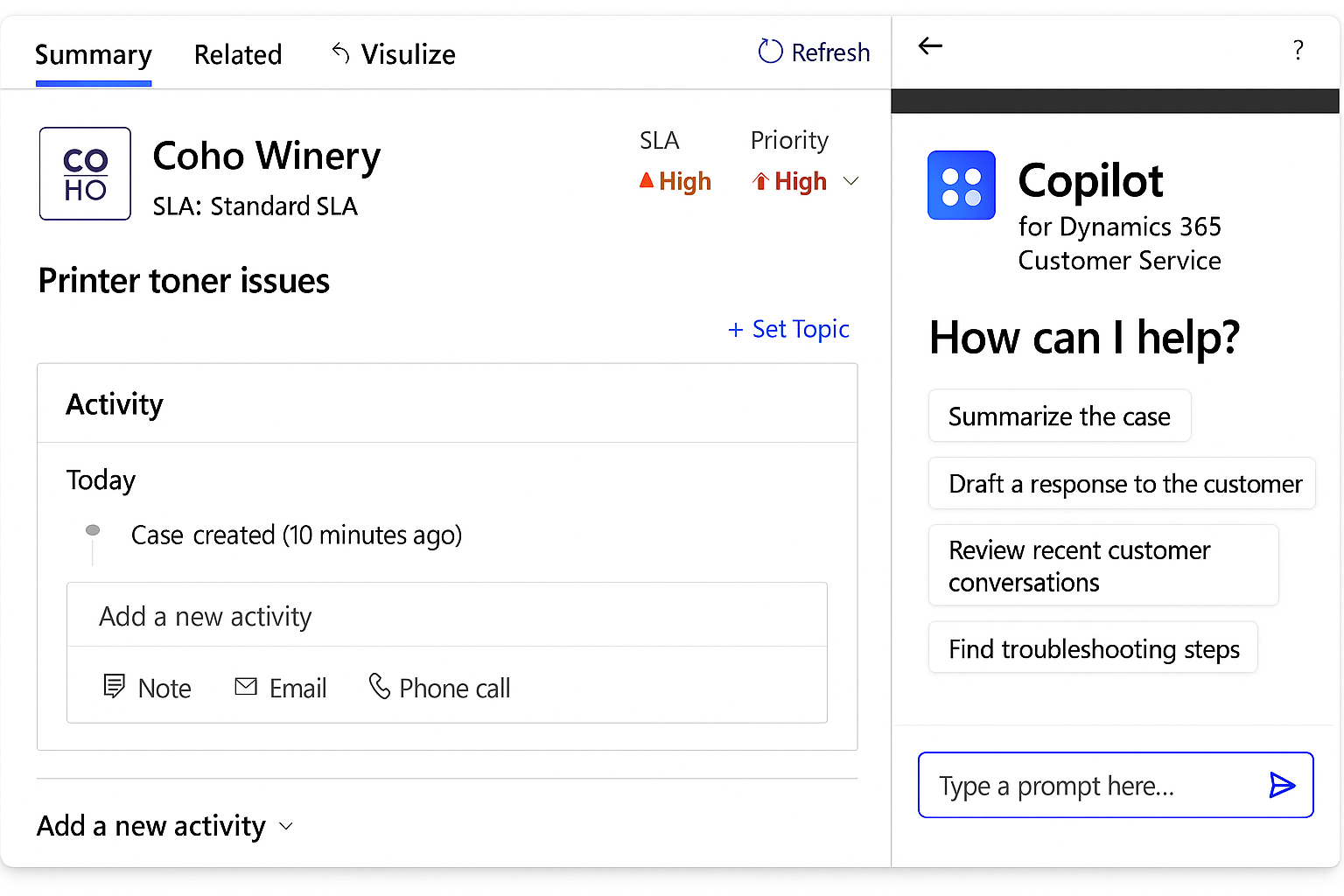
What can Copilot do for Dynamics 365 Customer Service
Automatic summaries of cases and conversations
Generate accurate summaries of the history and context to accelerate agent comprehension.
Automatic email drafting
Create email drafts based on case data and internal knowledge.
Knowledge Chat
Search for real-time information within the corporate knowledge base, returning verifiable answers.
Specialized AI agents
Includes autonomous agents such as case management, knowledge management, quality assessment, or customer intent.
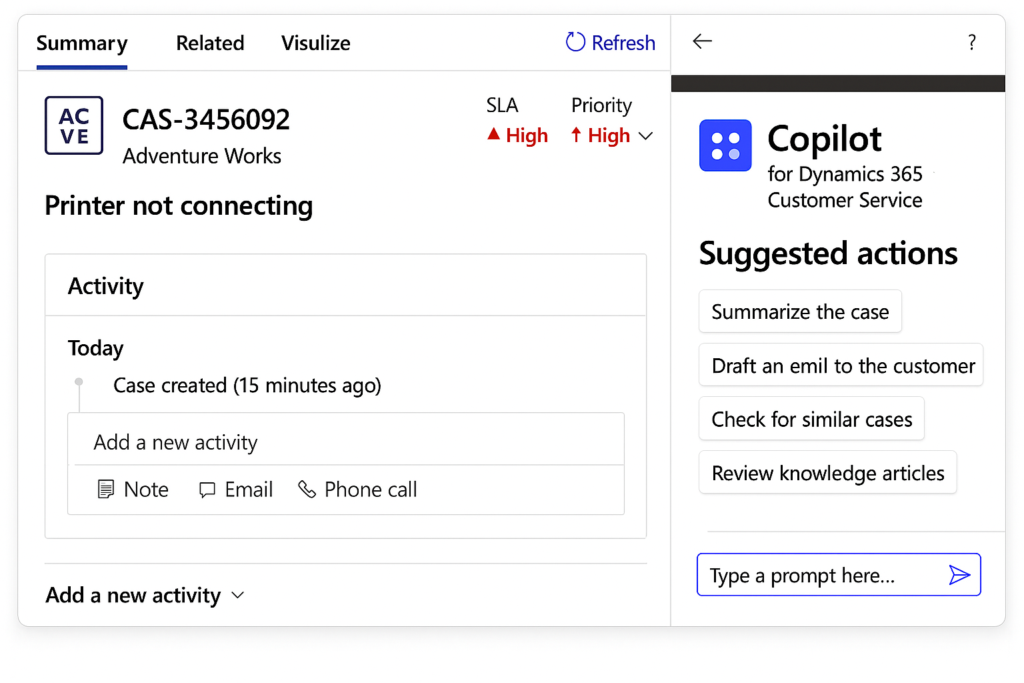
Benefits
Optimized omnichannel service
It integrates with channels such as chat, voice, and other contact center components, maintaining a unified experience.
Less manual work
The Case Management Agent automates the creation, updating, and closure of cases, freeing up team time.
Analysis and actionable insights
Supervisors can measure the usage and impact of Copilot using integrated reports.
Smart responses based on corporate knowledge
Agents can ask questions in natural language and instantly receive verified information.
Faster case resolution
Analyze conversations, generate automated summaries, and propose immediate actions to accelerate each interaction.
Frequently asked questions about Copilot for Dynamics 365 Customer Service
It is available in the workspace of the Copilot service, the customer service center, and custom applications.
Knowledge chat, email drafting, case summaries, and Copilot analysis. Some require additional configuration.
Due to the generative nature of the model and the previous context of the conversation
Not currently; it cannot process tables or images within articles.
Up to five public domains indexed by Bing.
Use high-quality knowledge sources and review them before enabling it.